Your Proactive Toolkit: Time-Saving Insights for the Classroom
Welcome Back! 👋
We’ve compiled the essential updates and tools to support your school’s safety strategy. This months issue includes News and Alerts aggregated directly from the latest updates on your Safer Schools App, Technical Support guidance to ensure smooth operation and to help effectively utilise your app.
News and Alerts ℹ️
Key updates and alerts as seen on your App’s news feed.
Locket 🔒
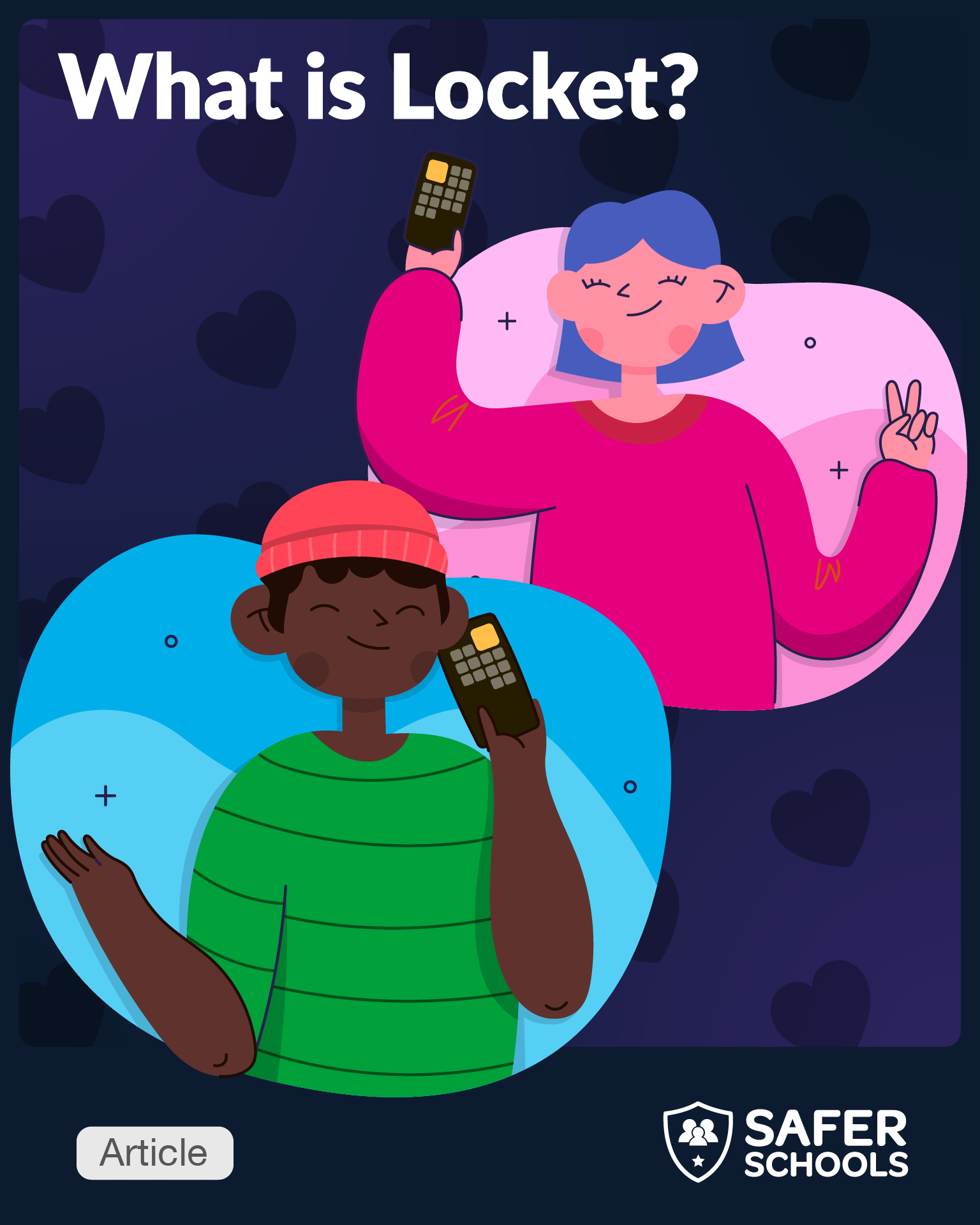
Locket is climbing the app charts again with its unique widget that lets users instantly share photos directly to friends’ phone screens. Read our Safeguarding Guide now to explore its features and learn about the potential risks such as weak age verification, the absence of parental controls, and the permanence of shared images ⚠️
Antibullying Week 📱
Bullying is not a normal part of childhood and should not be tolerated in any form. Here at Safer Schools, we recognise the rising risks of cyberbullying, with 3 in 10 8-17-year-olds reporting having experienced bullying via communication technology. Find out how Safer Schools can help your school community to foster safer online habits.
AI-Generated Image Exploitation 🚨
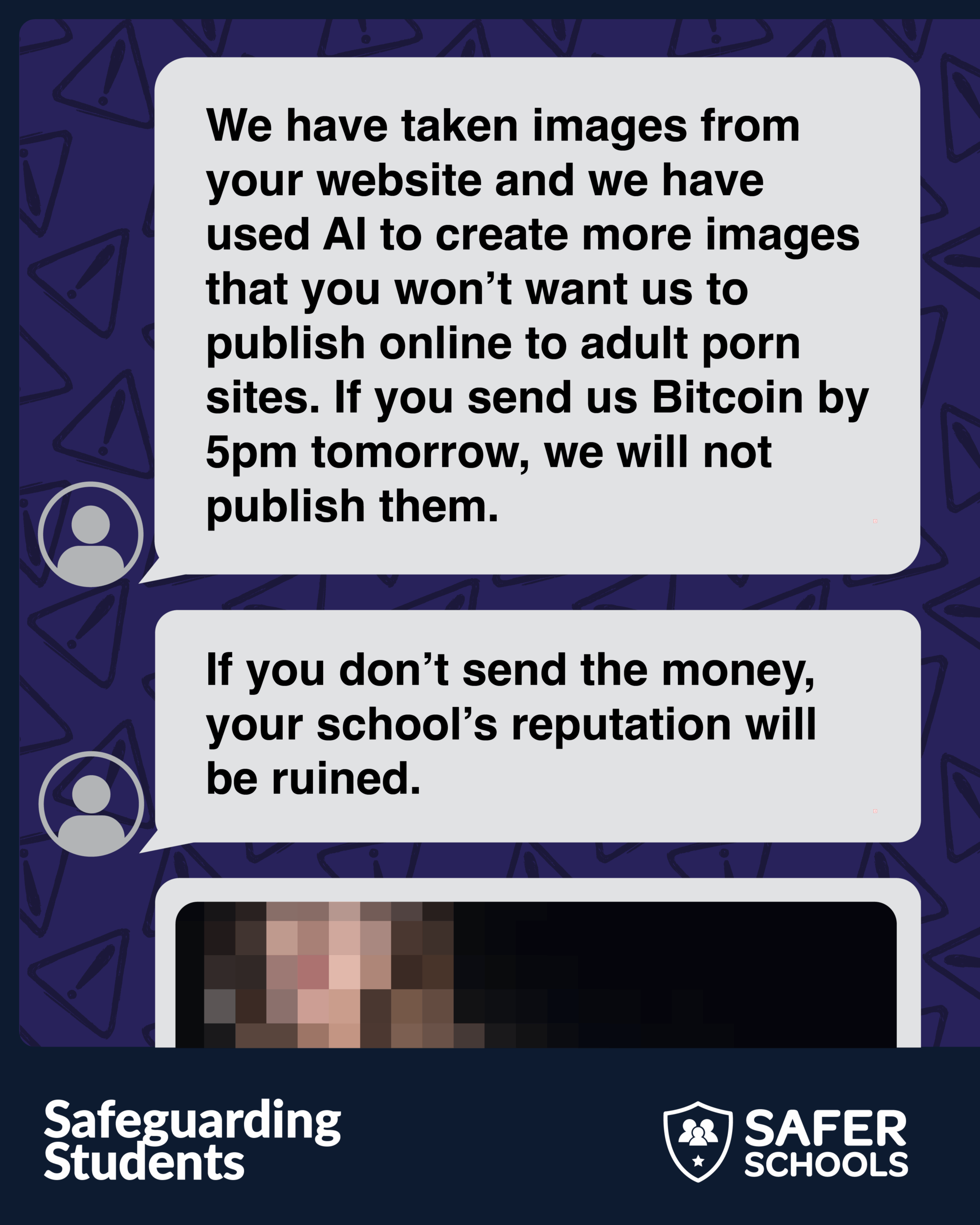
A disturbing new threat is emerging where people are exploiting readily available AI image generation tools to create sexually explicit images, often of female students, by copying photos directly from school websites and social media channels. Protect your community now. Our essential guide explains how to proactively safeguard children in your care and provides clear steps for reporting and responding to these specific AI exploitation incidents.
Technical Support 👩🏼💻
Updates and tips from our Support Centre.
Don’t Receive Push Notifications? Check Your Settings First! 📱
Quick Fix:
If you or your users aren’t receiving timely push notifications from the Safer Schools App, the issue is often related to individual device settings.
Why this works:
For the App to deliver instant alerts, it requires permission not just from the App itself, but also from the operating system (iOS or Android). Checking your device’s notification settings is the fastest way to reactivate service.
Next Steps:
Training 🗓️
Your pathway to continuous professional development.
Resource Highlight ✨
🎄Safeguarding During the Festive Season 🎄
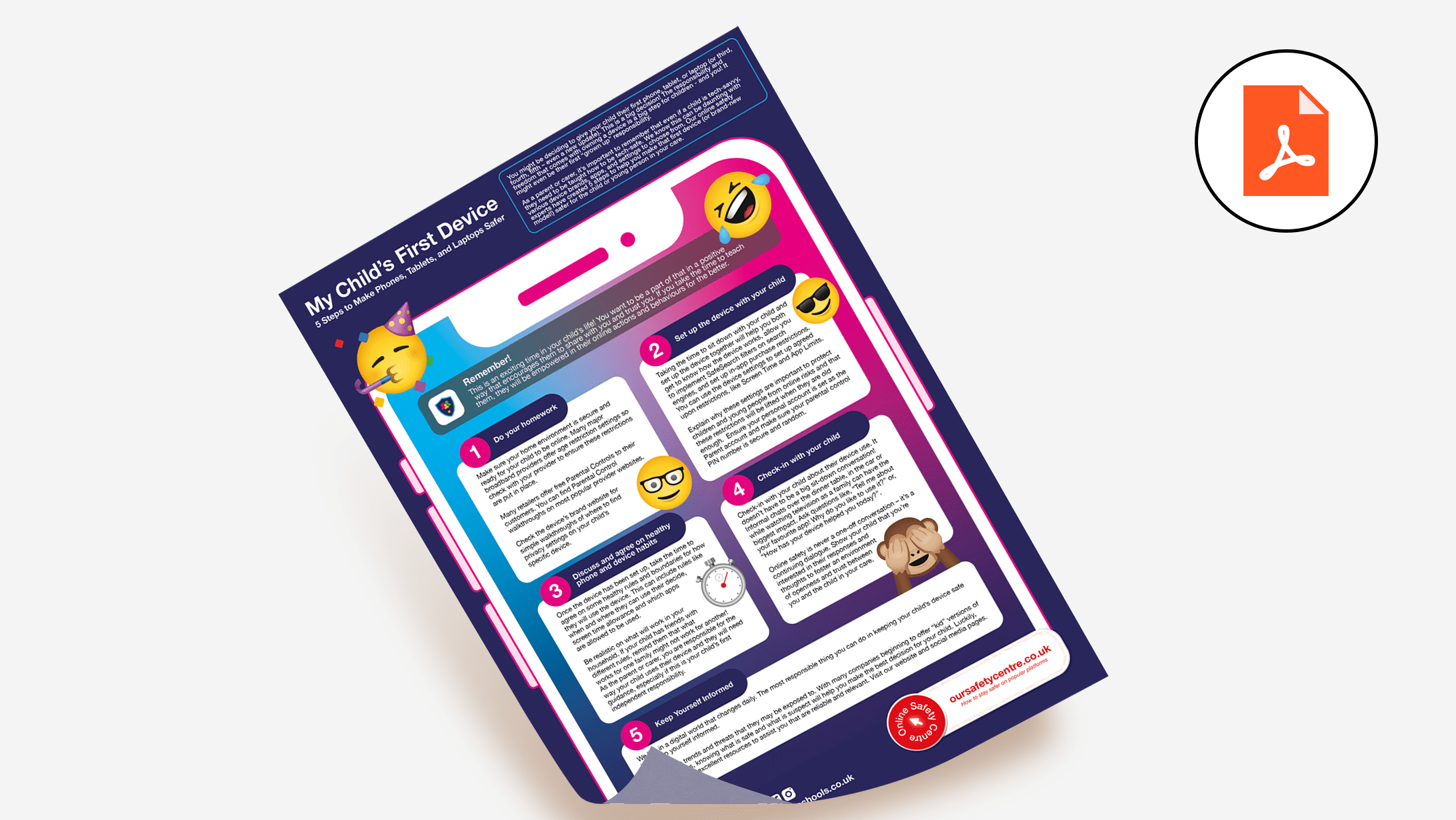
With Christmas approaching, many young people will receive a new device or an upgrade. While they may be tech-savvy, it’s vital they are also taught how to be tech-safe.
Our exclusive poster provides 5 key steps for making new Phones, Tablets, and Laptops safer. Access the Teach Hub to share this essential resource with your entire school community in the run-up to the holidays. 🎅🏼
Don’t forget to share your licence key code EDU-SAF-SCH-TH with your colleagues!
Community News and Updates 📢
Your feedback inspires us!
We’re delighted to share this positive experience from Perth and Kinross.
“This app provides up-to-date insights into online trends and risks, helping parents engage in meaningful conversations with their children about navigating the digital world. Our staff now have access to a suite of professional learning opportunities and resources to deliver Cyber Resilience and Internet Safety lessons, while the app offers a way to share information between school and home.”
Would you like to share your experience? We encourage you to tell us how the Safer Schools App is helping your community. Send your stories and feedback to [email protected]
Feature Spotlight 🔦
Safeguarding Directories
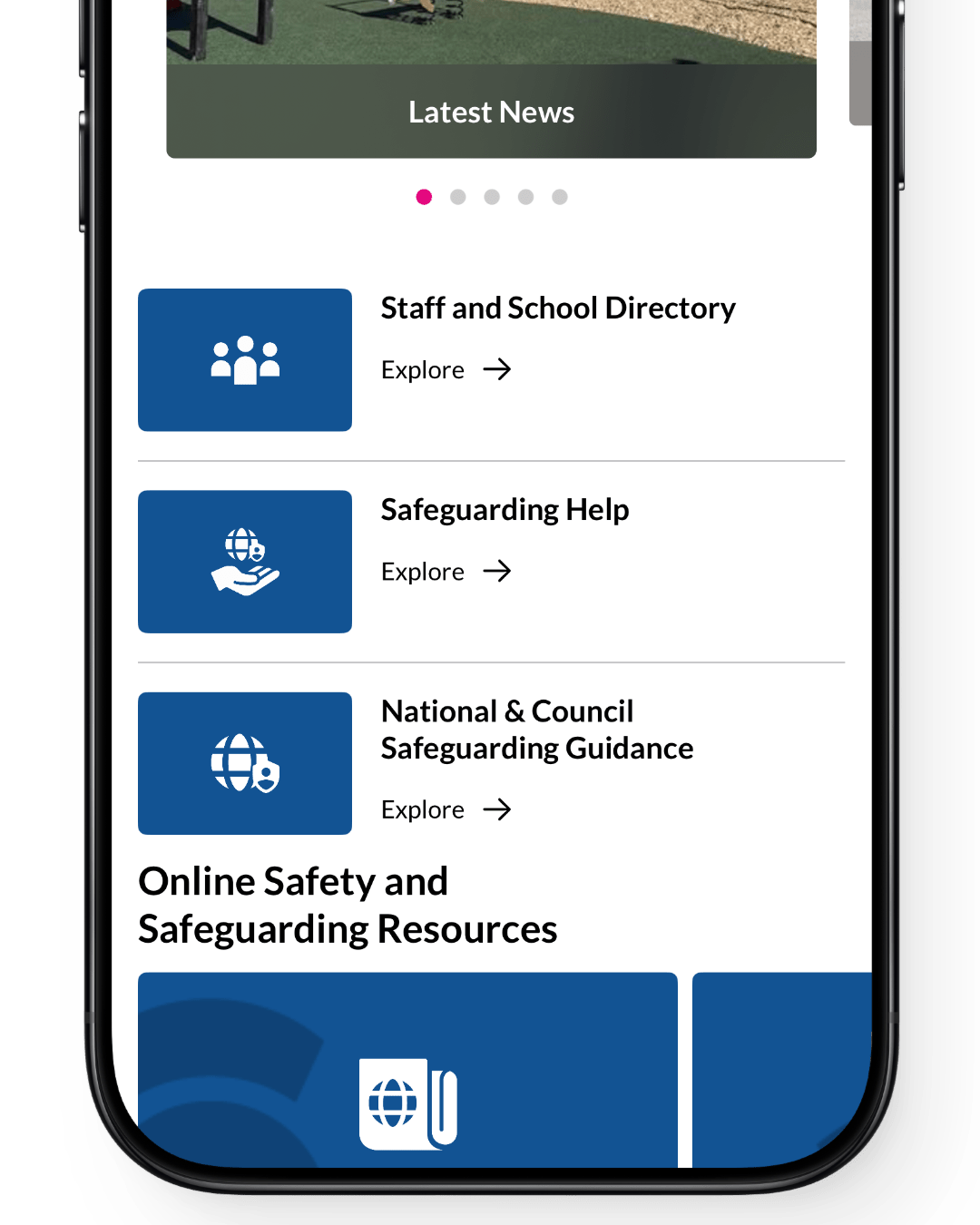
It is vital that children can identify their team of trusted adults and know where to go for help and support.
🛡️ Safeguarding and Online Safety Help: This directory offers a curated list per role of support organisations.
📍National & Council Safeguarding Guidance: This directory provides relevant national policies and local authority contacts.
🏫 Staff and School Directory: Make sure to update your school’s to clearly signpost your safeguarding team, key staff, and consolidate other school resources for easy access directly from the app.
This ensures that all staff, parents, carers and children can easily find the people, help and resources they need at any time.
Remember! This feature can be enabled or disabled by administrators in your management portal.
Media News 🗞️
Top Safeguarding and Online Safety News from November.
⚠️ Online Blackmail: A new NSPCC survey reveals that one in five UK parents knows a child who has been blackmailed online, prompting the charity to emphasise the need for parents to discuss this serious online safety issue.
Continue Reading
🤖 TikTok & AI Content: TikTok is introducing new features, including user controls to shape AI-generated content in feeds and “invisible watermarking” for improved labelling, alongside a $2M fund to boost AI literacy and safety.
Dive Deeper
⭐️ Meta/Instagram Ratings: Meta has received a cease-and-desist letter from the Motion Picture Association (MPA) demanding they stop using the “PG-13” film rating to categorise content on Instagram, calling the use of the movie-style rating “highly misleading.”
Read More
⚖️ New UK AI Law: The UK government is enacting new stringent legislation to tackle AI-generated child sexual abuse material at the source, empowering trusted organisations to test AI models as reports of this content have more than doubled.
Find Out More
📝 Ofsted Inspection Change: In England, Ofsted has confirmed the removal of the single overall effectiveness headline judgment for local authority children’s services inspections starting in April 2026, aiming for a fairer assessment aligned with broader sector reforms.
Explore the Details
License, Links and Logins 🔑
All the relevant information you need to access the world of Safer Schools at your fingertips!



Teach Hub License Key: Use this code to access the Teach Hub and share it with all staff members: EDU-SAF-SCH-TH
Access your app using the entry codes provided by your school. If you haven’t received them or have lost them, please contact your school.
“Did you know 74% of parent and carers want to know more to ensure their child is safe online.” – Source Ofcom 2024