Welcome Back to Your November Newsletter!
Educate – Empower – Protect
🍂 November Newsletter🍁
Welcome back to your Safer Schools Newsletter! Now that Halloween is over, the countdown is officially on…🎄. We promise we haven’t mentioned the ‘C word’ in this newsletter but can ensure there are plenty of gifts and good tidings to enjoy below including new articles, and top tips. Read below!
News and Alerts ℹ️
Key updates and alerts as seen on your app’s news feed.
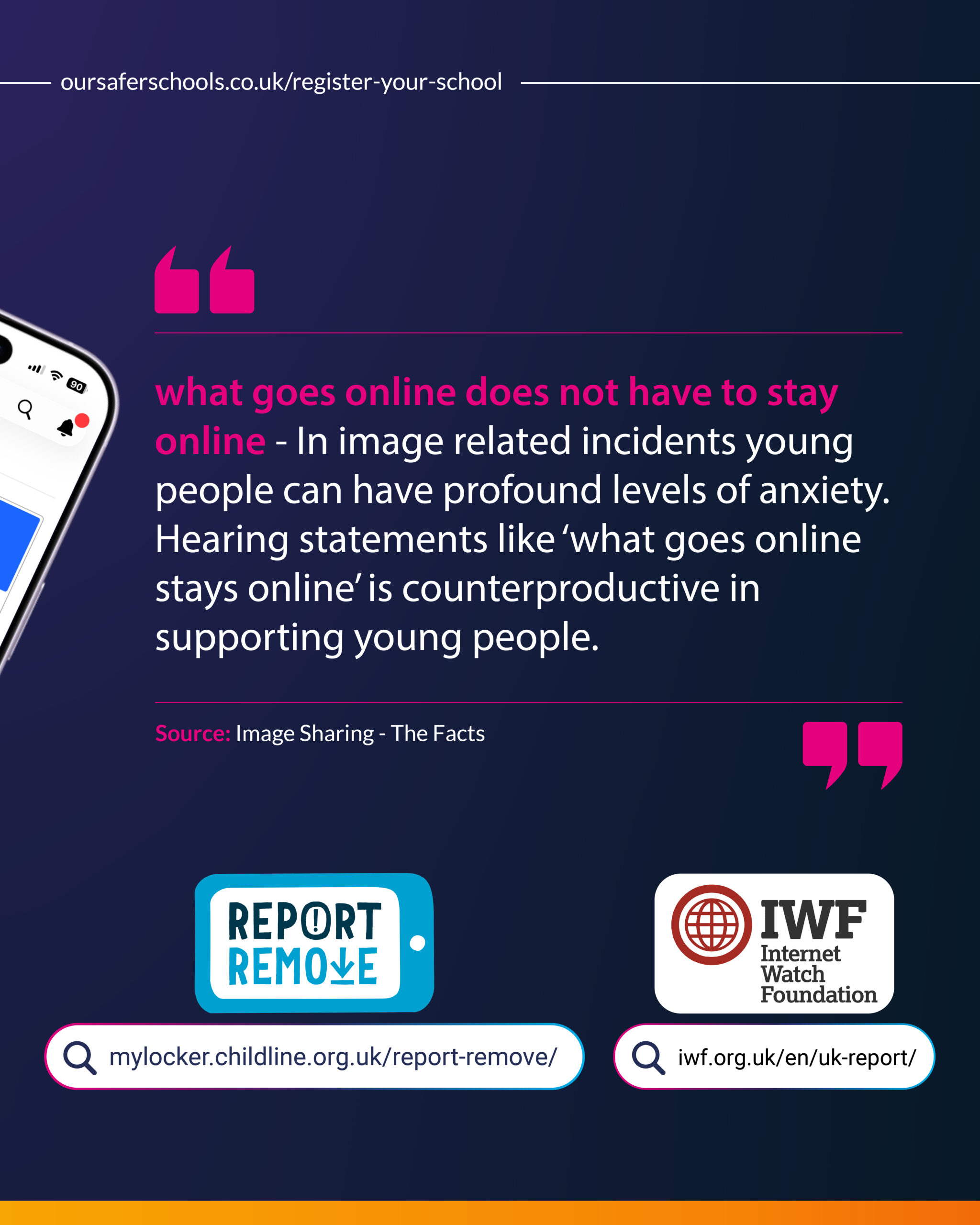
Image Sharing & The Facts
What Goes Online Does NOT Have to Stay Online
When a child or young person loses control of an image, it can cause overwhelming anxiety and panic. Reminding them that “the internet is forever” or “what goes online stays online” can heighten their panic and shut down communication just when they need support the most.
To discover supportive, practical ways to handle these conversations and help young people regain control, check out our in-app guidance on image sharing today.
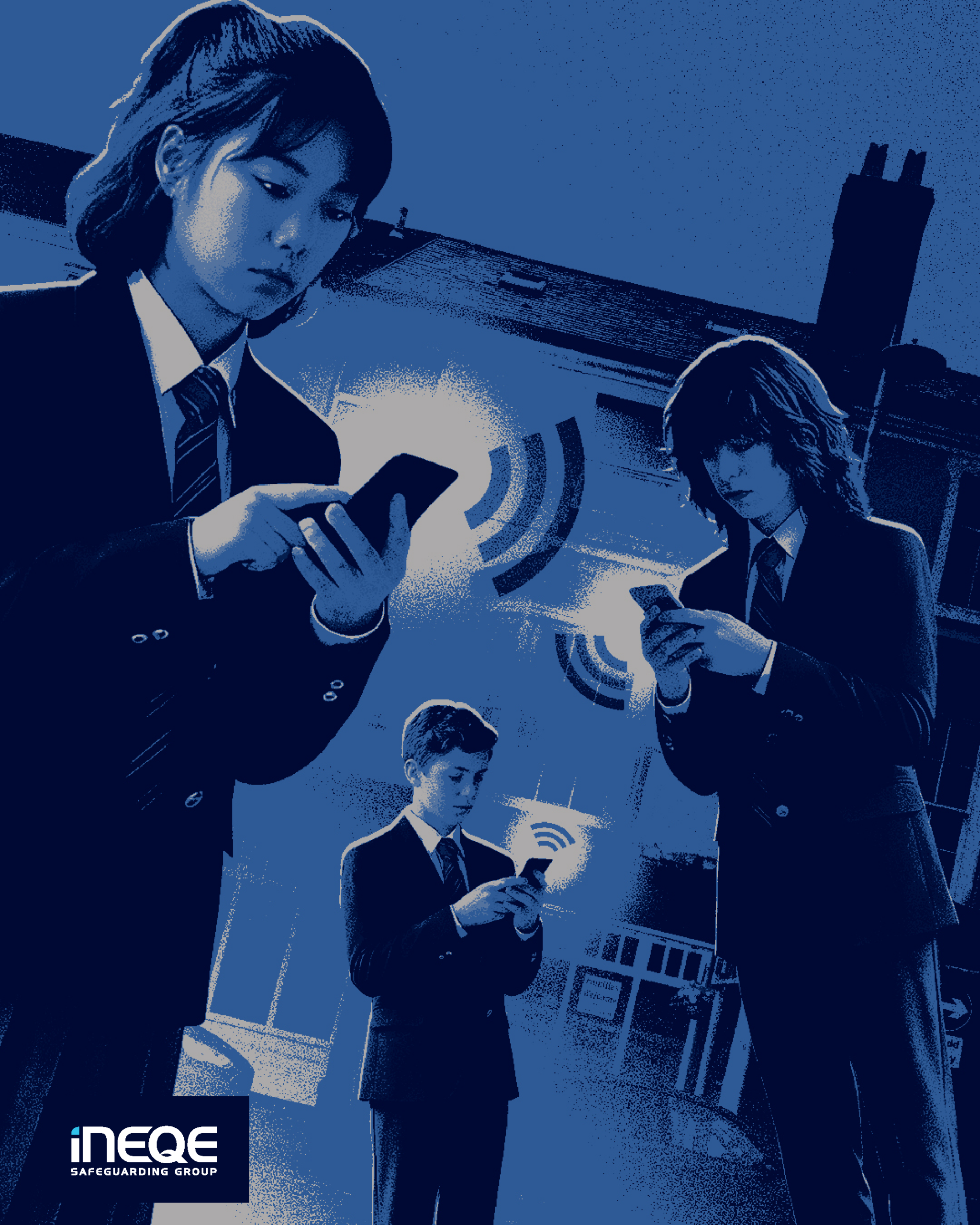
Harmful content online
From videos of someone being hurt to images shared to humiliate or target a peer. Harmful content can spread across digital platforms in seconds. For young people, the pressure of the bystander effect is powerful often making it feel far safer to scroll past or laugh along than to speak up and report it.
Breaking this silence starts with open, judgment-free communication. Here are practical ways you can guide those sensitive conversations and empower the young people in your care to respond with confidence and empathy.
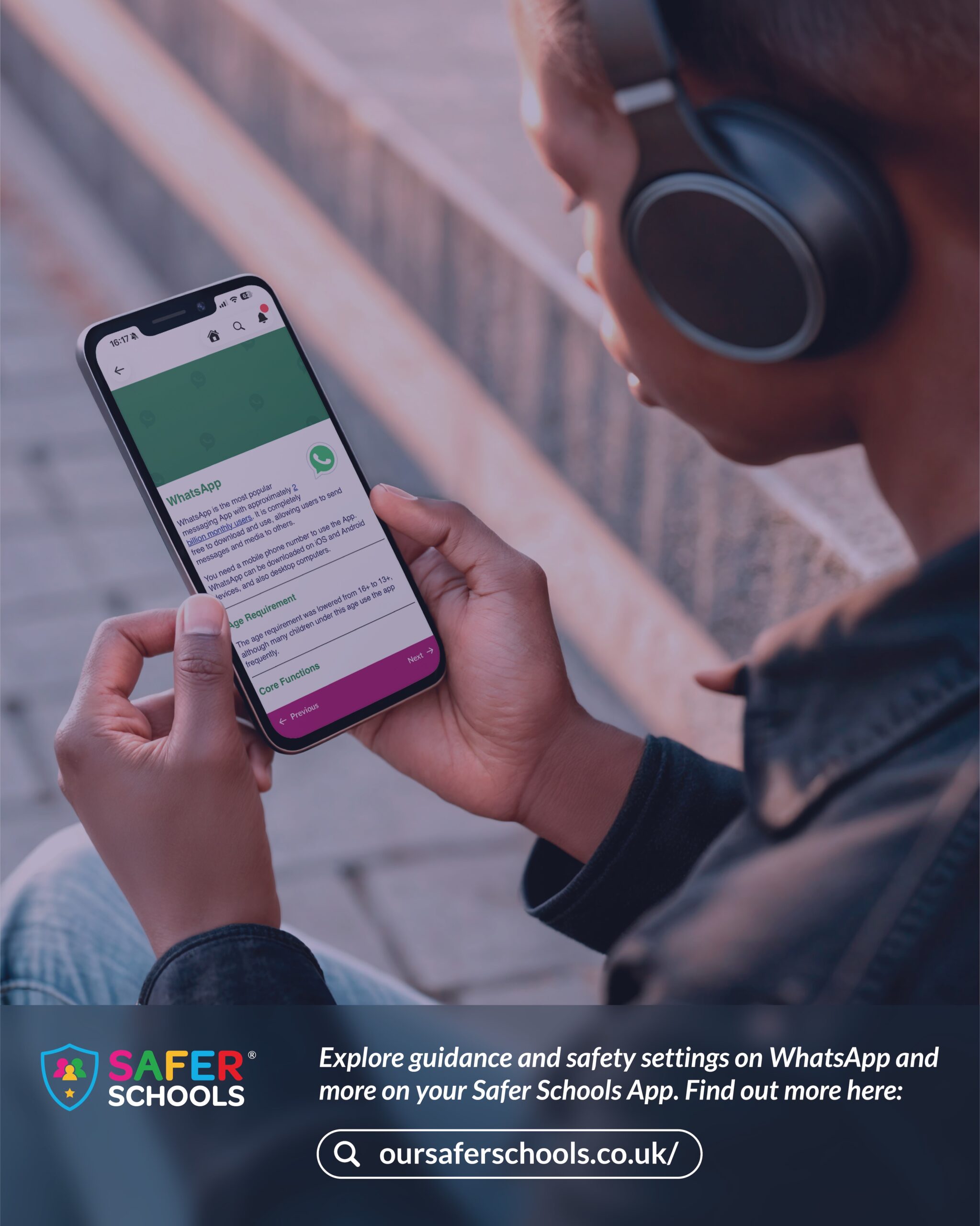
What’s Up with WhatsApp
With recent updates to WhatsApp, staying up to date with the latest features is vital for safeguarding young users.
Explore our in-app content to see what has changed, understand the potential risks, and pick up practical tips on fostering calm, trusting conversations about online safety with your children.
✨Read more within your Online Safety News section of the App.✨
Technical Support 👩🏼💻
Updates and tips from our Support Centre.
Adding a Role
Juggling children across different schools or settling into a new one? You don’t need multiple accounts for your Safer Schools app, you can manage every school profile under one account.
Simply tap the account icon in the top right-hand corner, navigate to Account Information, and select Add School or Role. Enter the school’s name along with their unique 4-digit parent code to link them. Once set up, toggle between them anytime by selecting your active profile.
Reminder: If your child has moved on from a previous school, take a moment to remove the inactive profile so your feed and alerts stay relevant.


Community News and Updates 📢
The latest in the locality
New Certified Schools!
In the month of October, we awarded a few more schools the Certified Safer School status and were delighted to celebrate their dedication to a full school approach. Could your school be the next to get certified? Get in touch if you would like support on getting started!
The Certified status shows your school commitment to empowering everyone in knowing how to safely navigate the online world. Gain the information and advice through the Digital Proficiency Course within your Safer Schools web or mobile app and prove your knowledge with the test at the end. Good luck!
📧 [email protected]
📞 02896 005 777
Media News 🗞️
Safeguarding and Online Safety News
License, Links and Logins 🔑
All the relevant information you need to access the world of Safer Schools at your fingertips!



Make sure to follow us on social media for the latest updates and developments!