

Welcome to the Home Learning Hub
The Home Learning Hub is our free library of resources to support parents and carers who are taking the time to help their children be safer online. We have adapted our classroom-based resources to make them easily accessible for everyone.
A brief description explains each resource, so once you are ready simply click the ‘download’ buttons.
What Are Your Words Worth
An Activity Pack for Secondary Schools about the Power of Online Comments
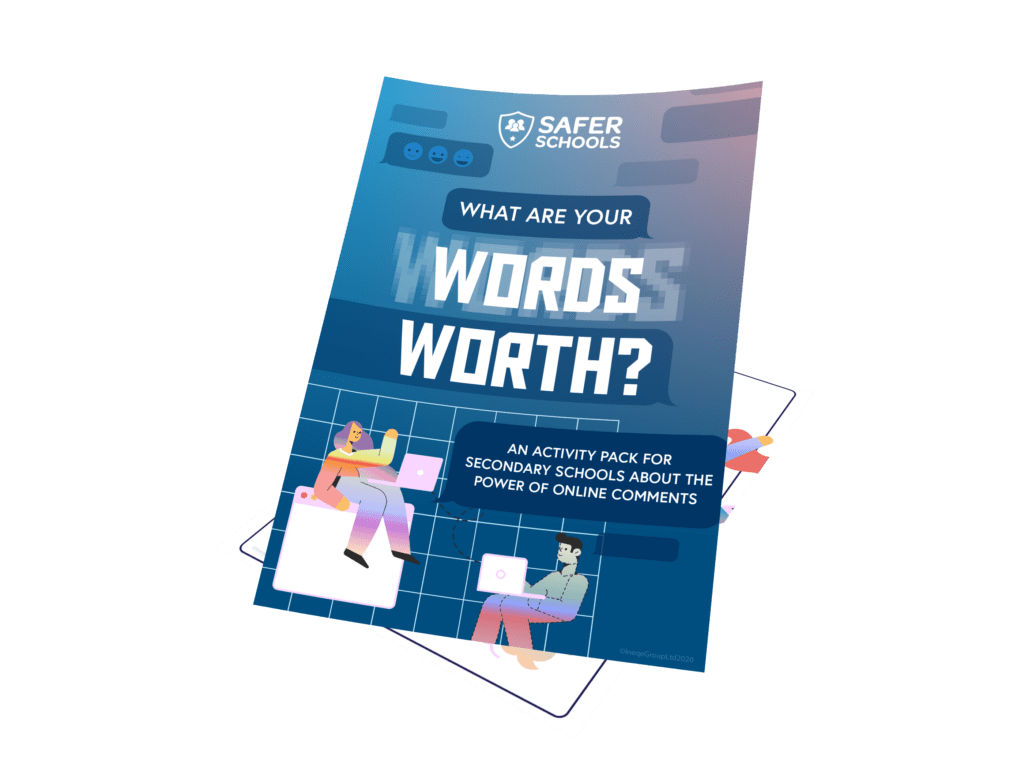
This activity pack is designed to prompt young people to think about the words they use online. The activities included will help them to reflect about comments they make on social media or gaming platforms and how those words may impact others. There is also a challenge included to make more #PostivePosts!
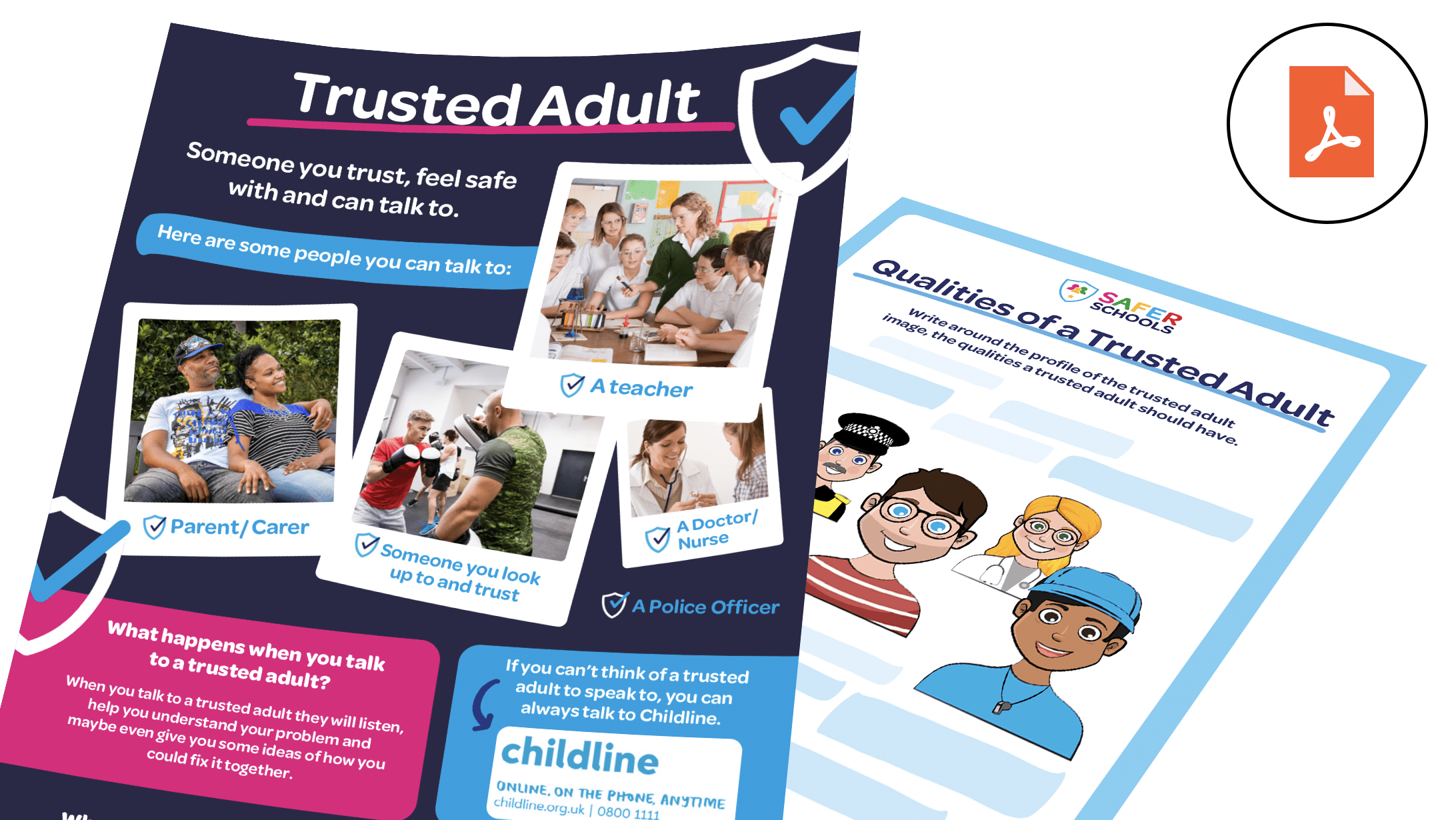
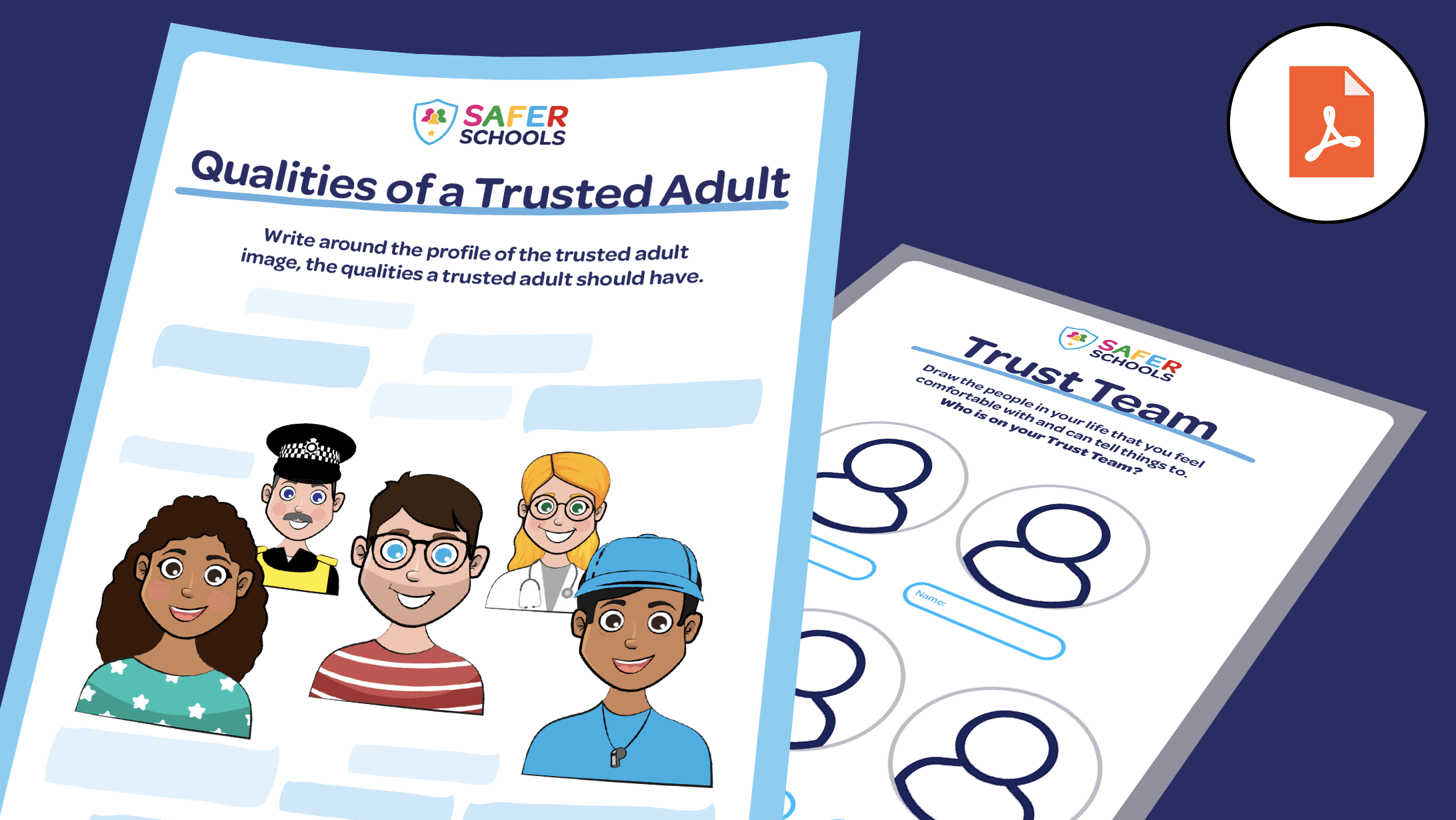
Trusted Adult Resources
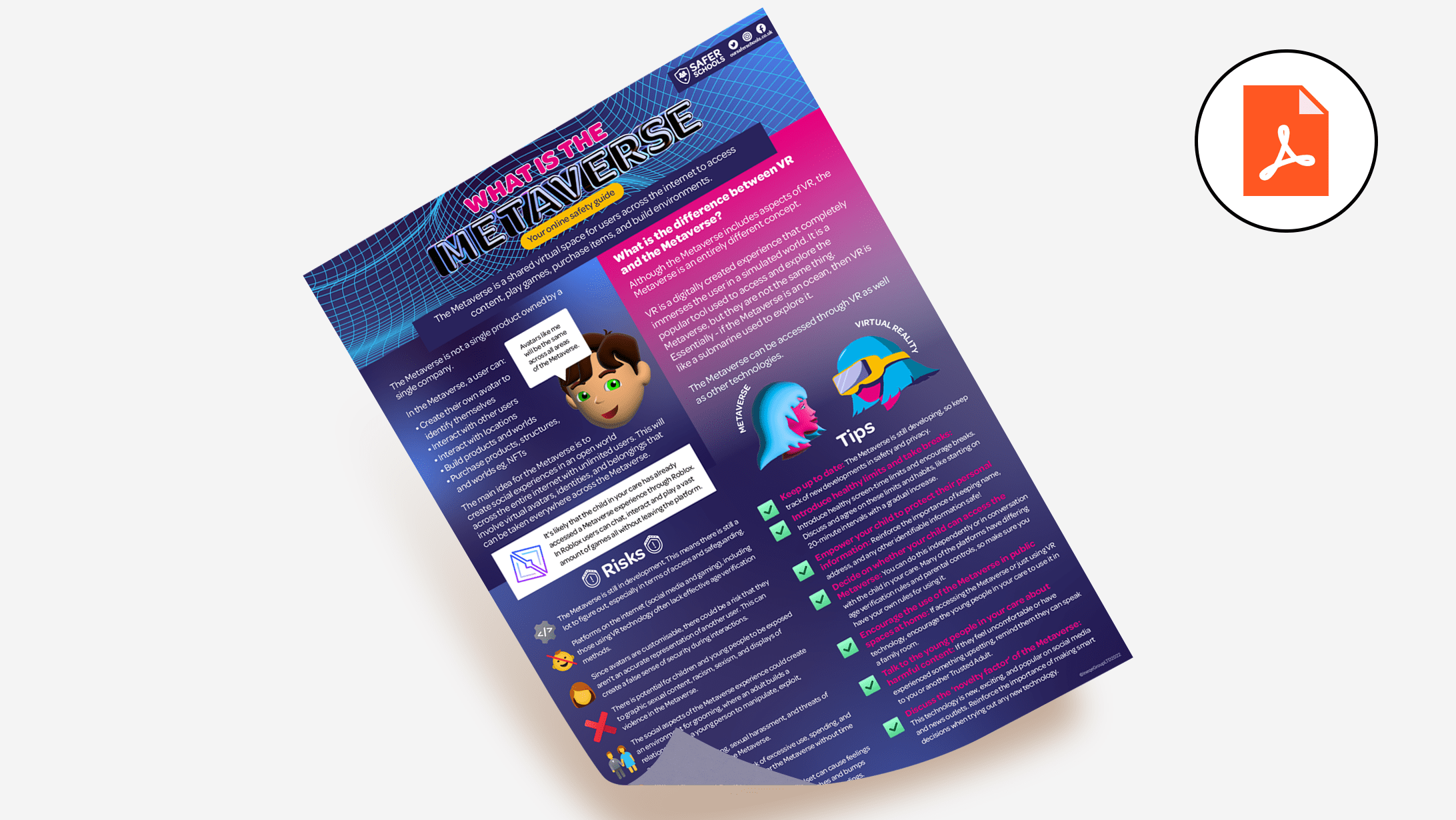
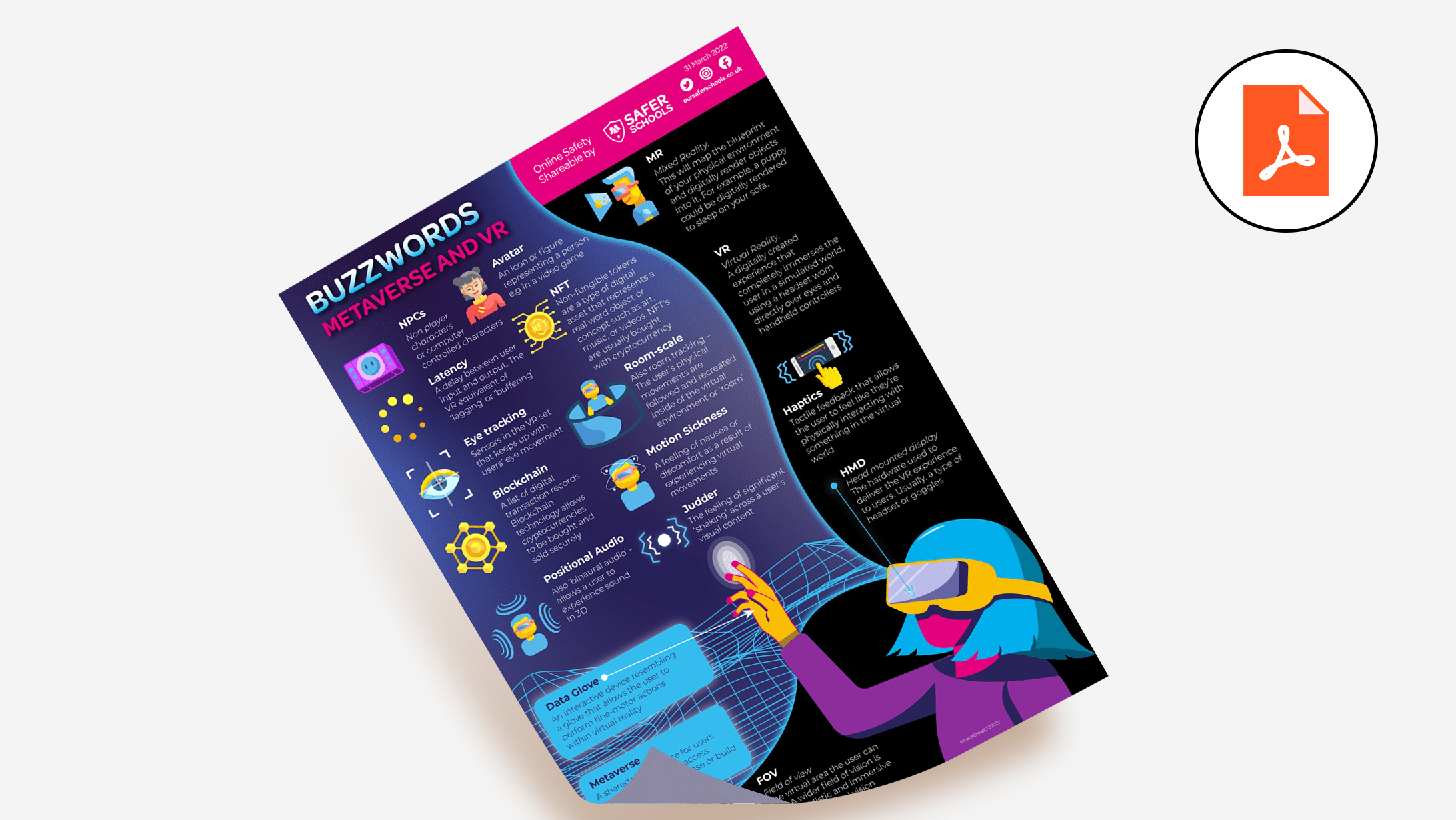
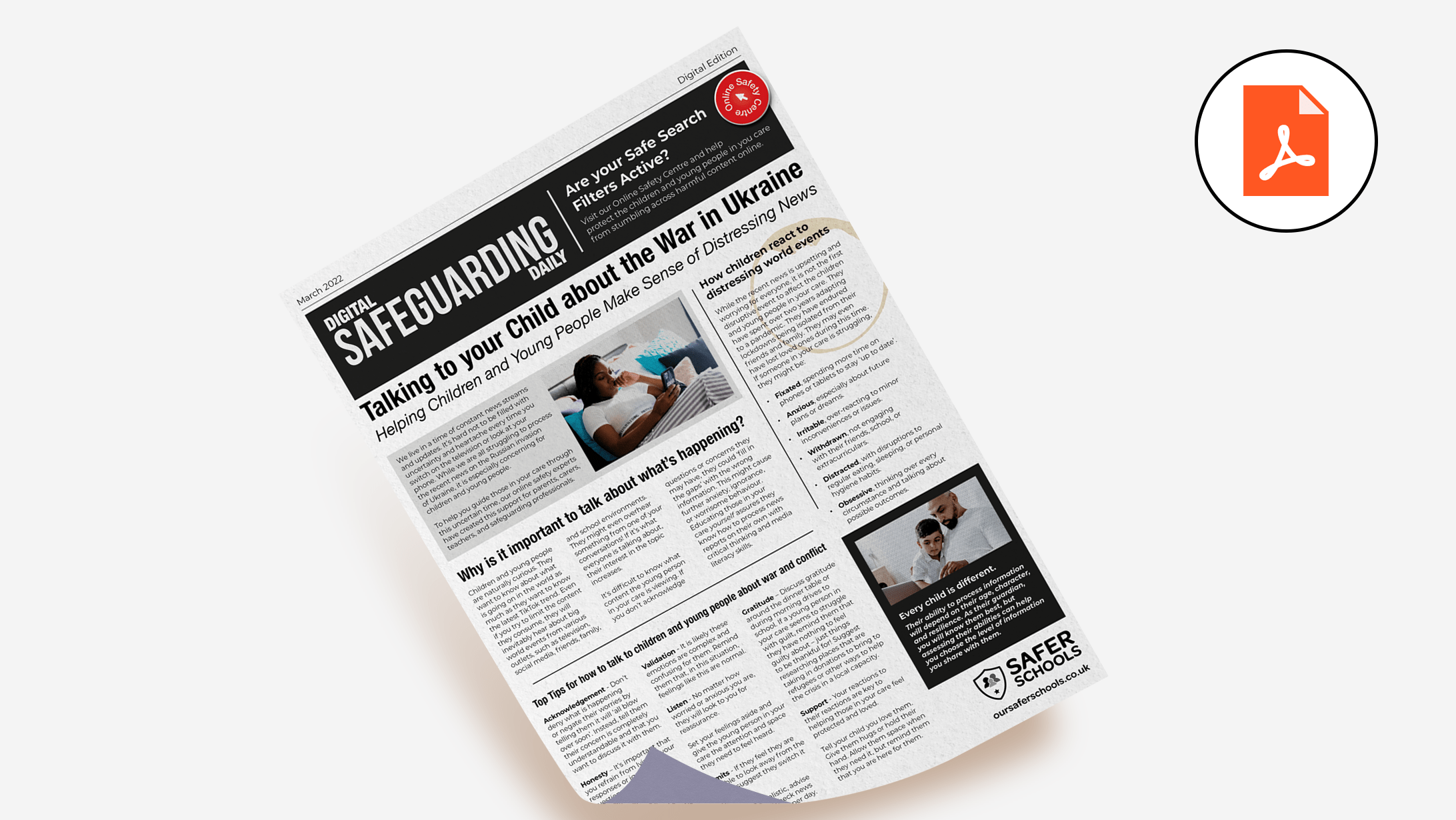
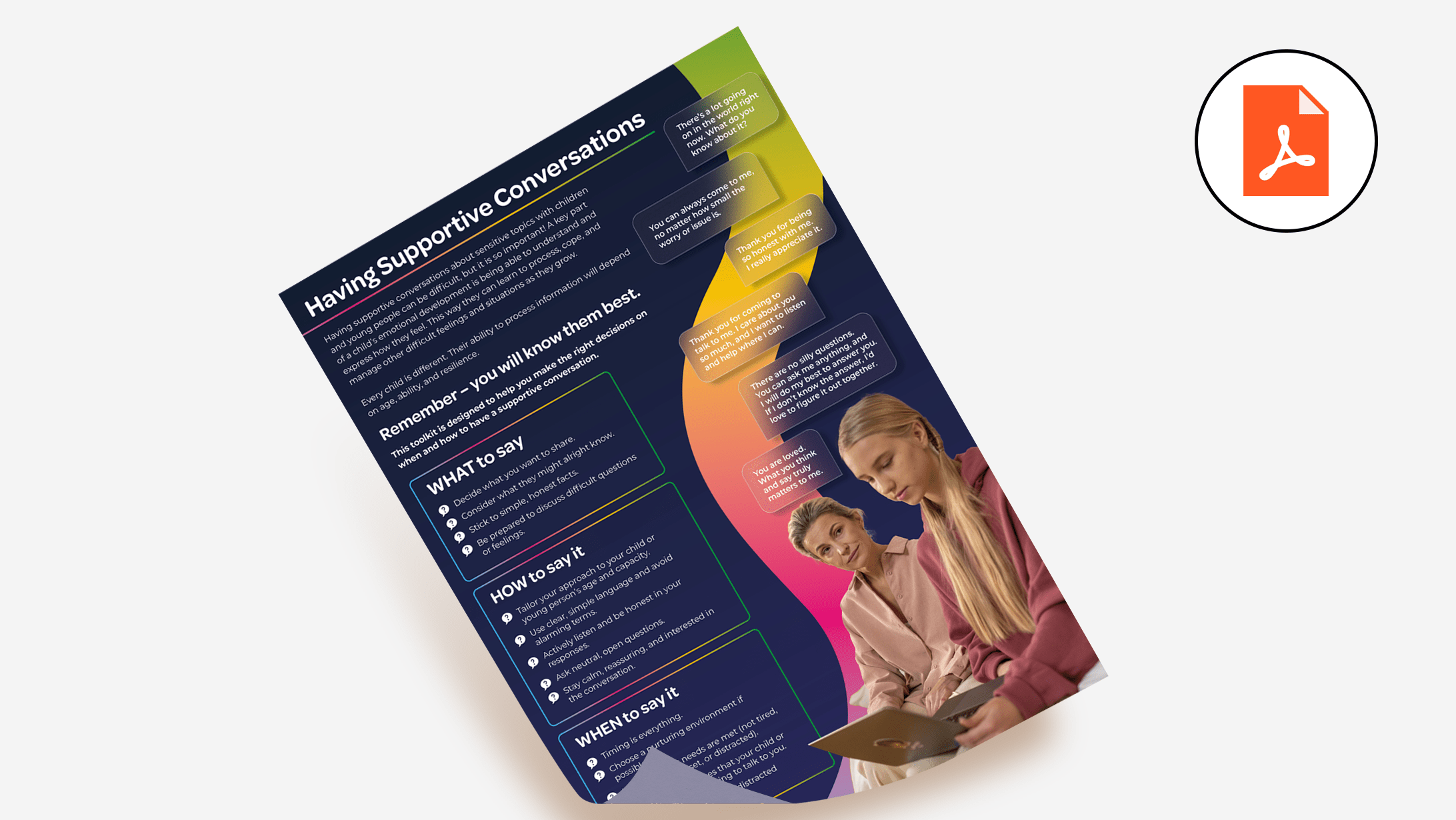
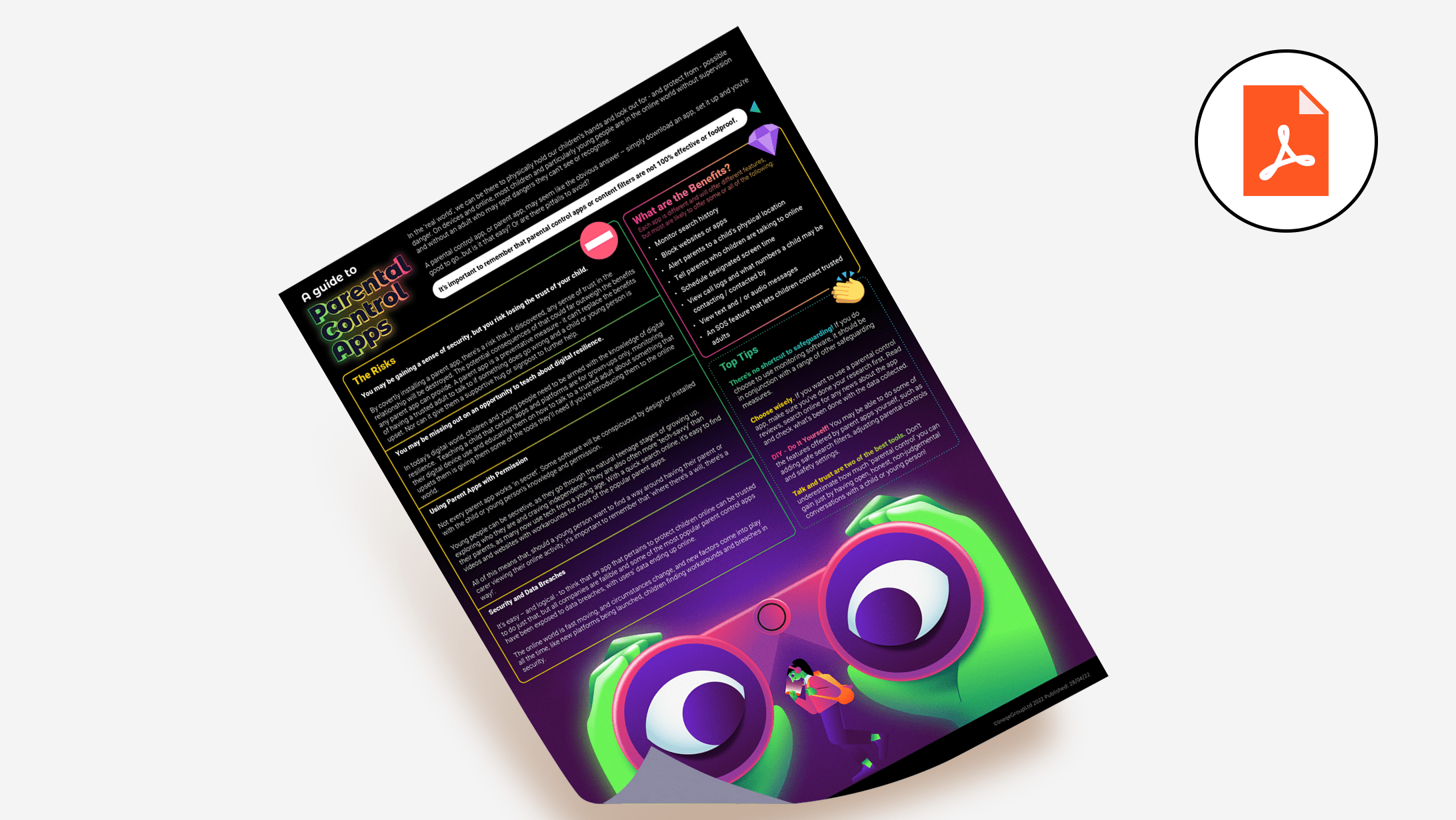
Online Safety Shareables
Primary Resources
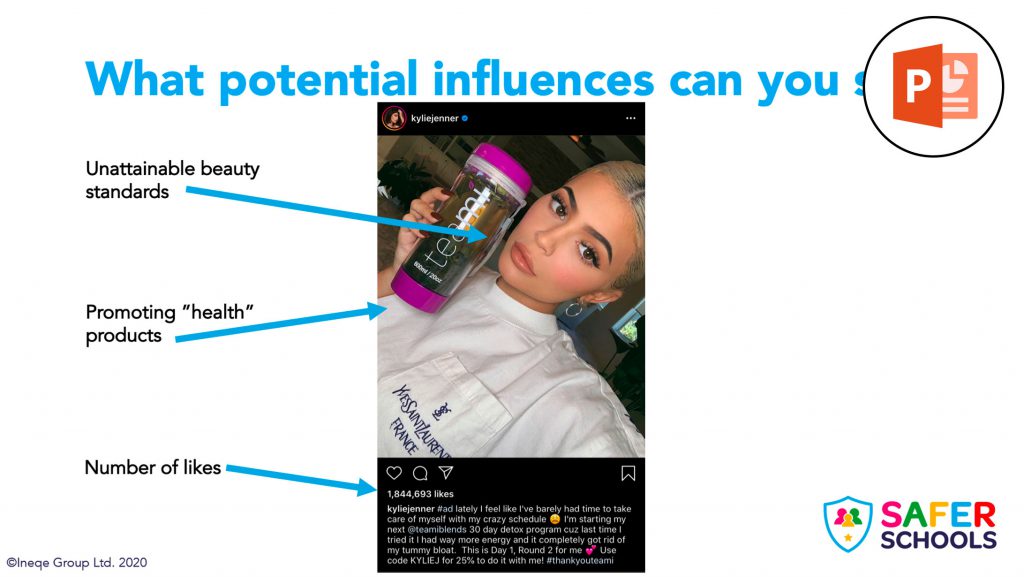
Influencers
Ages: 7-11
This lesson looks at what an influencer is, what they do, how they make money and a couple of things for your pupils to be wary of when watching & following their favourite gamers, creators and celebs.

Random Acts of Kindness
Ages: 7-11
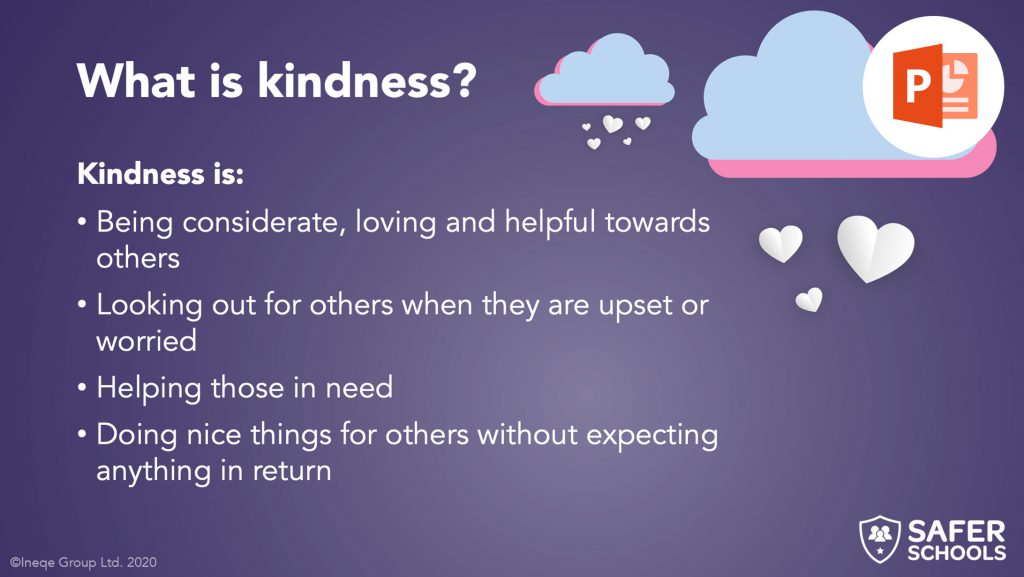
Inspired by ‘Random Acts of Kindness Day’, this lesson looks at what kindness is, why it is important and how we can help play our part in a kinder world.

Fake News
Ages: 7-11
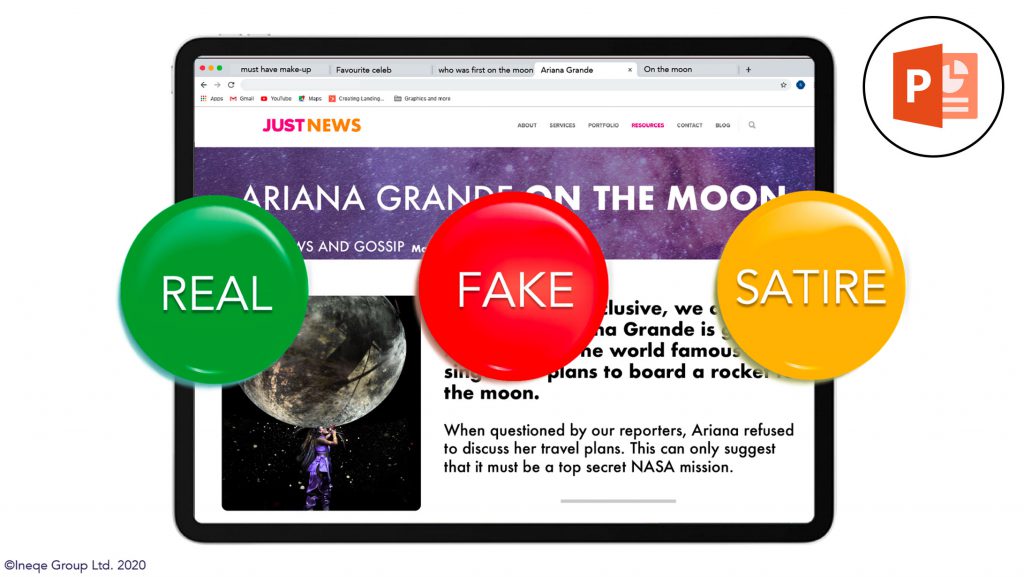
This lesson aims to give children the skills and knowledge to identify and challenge Fake News, whether they see it online, in the newspaper or on TV.

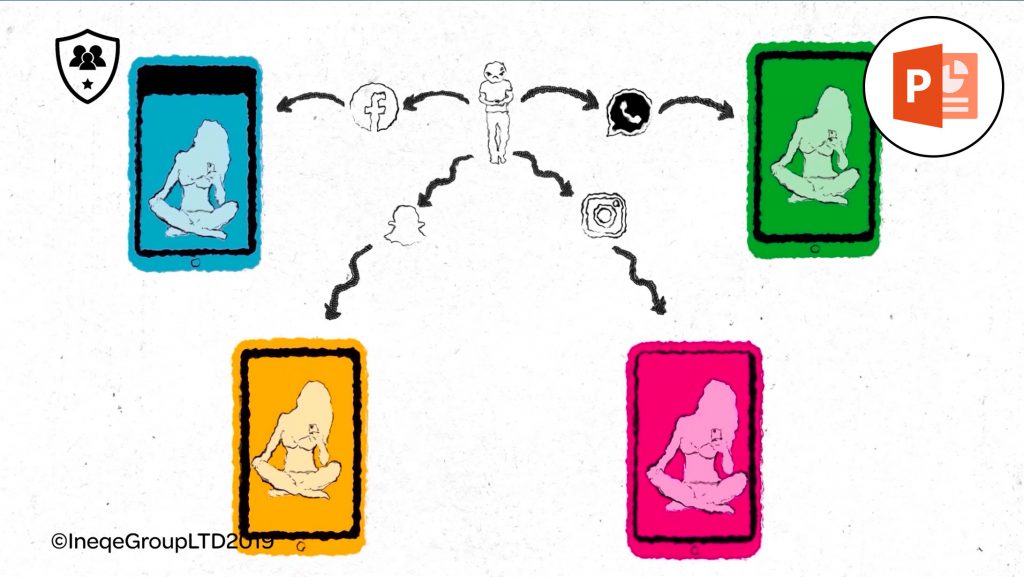
Image Sharing
Ages: 10-11
This lesson looks at consent for the use of images, as well as what to do if you see or even share an indecent image online. The task allows children to reflect on how easily and how far an image can spread online.

PEGI Age Ratings
Ages: 7-11
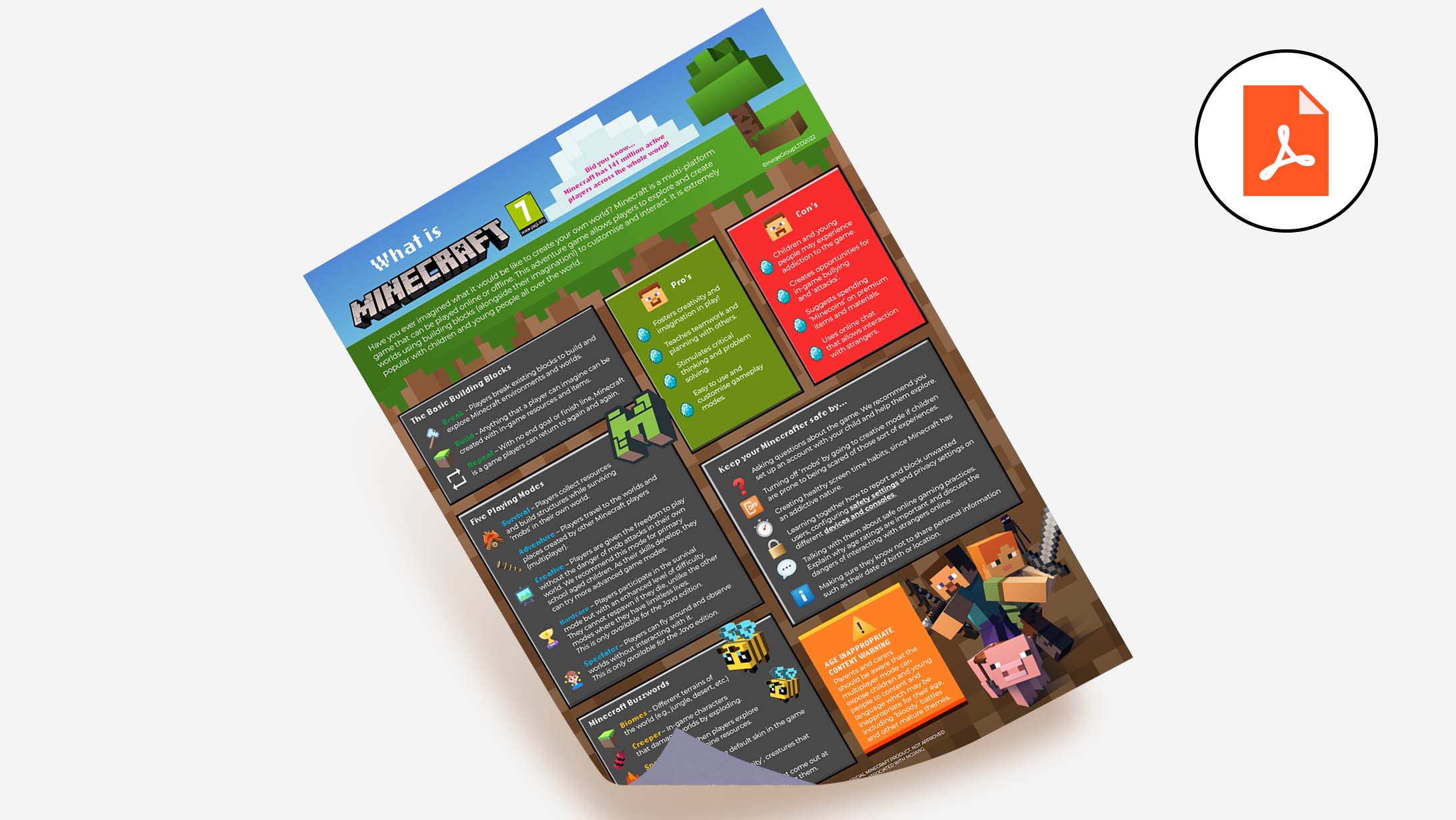
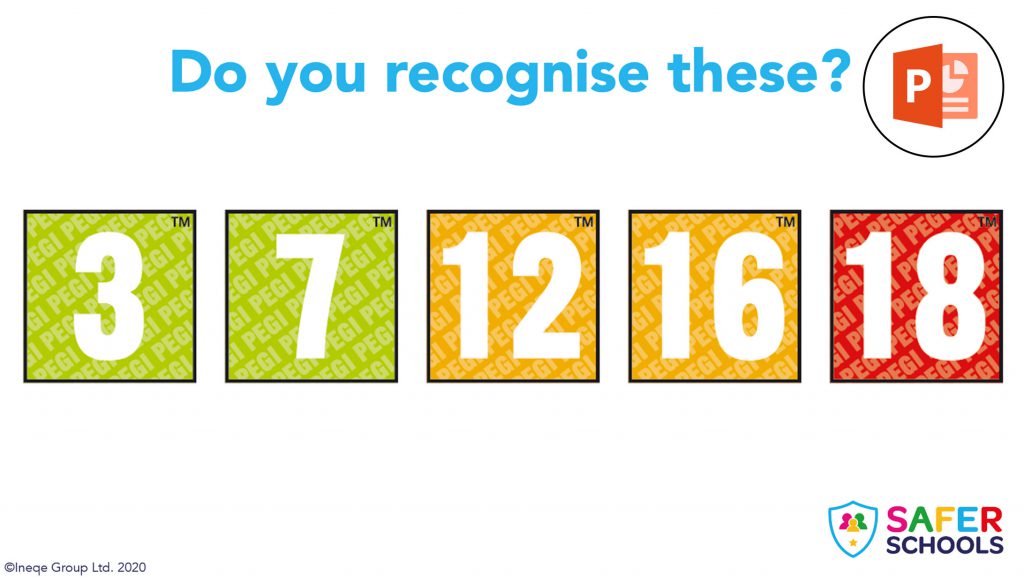
This lesson teaches children all about the age ratings which are used on games. We use some fun screen recordings of games to stimulate discussion around online safety when gaming. Children (and maybe even adults) will learn the PEGI ratings for popular games such as Fortnite, Minecraft and FIFA.
Passwords
Ages: 7-11
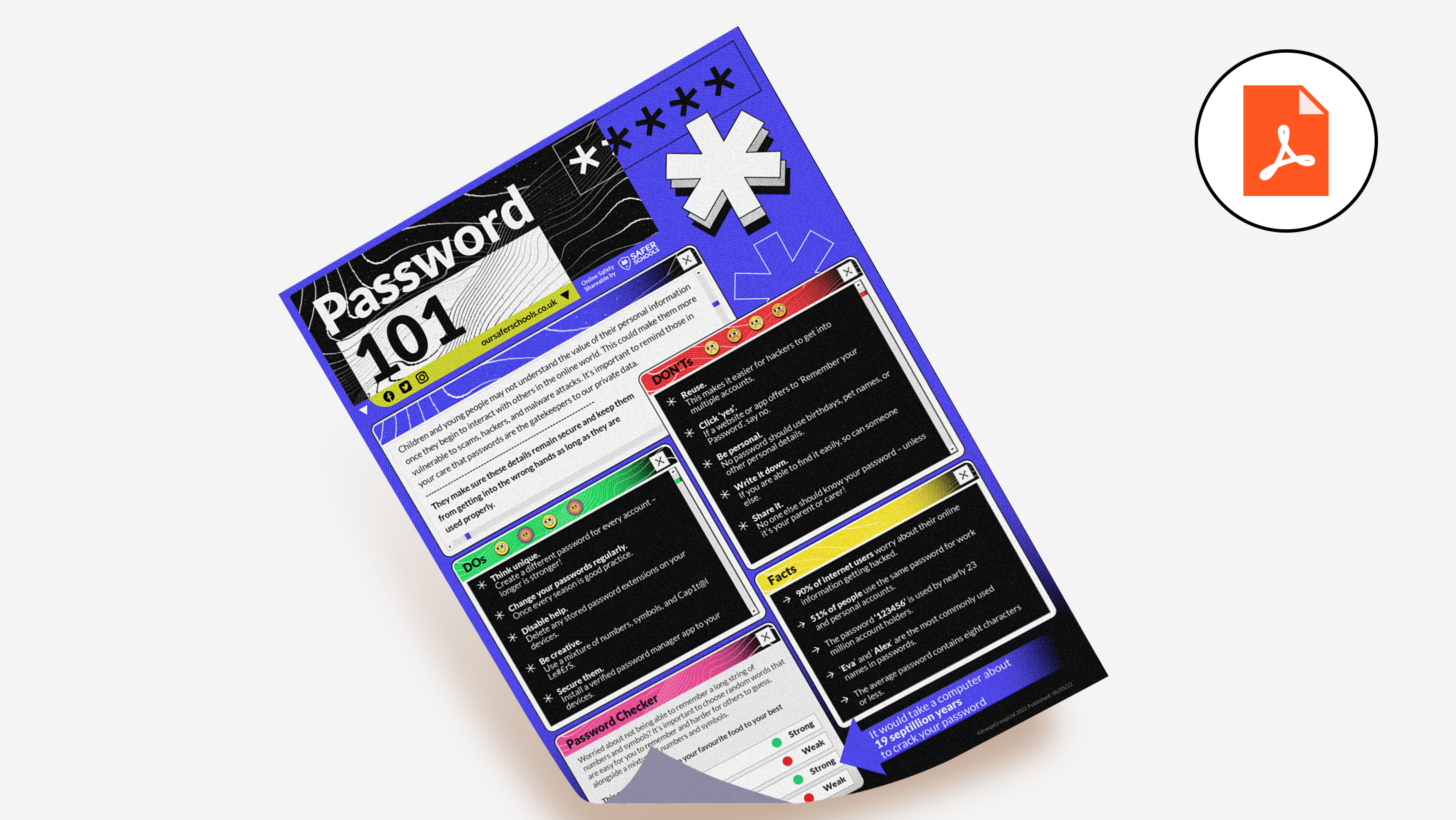
This lesson teaches primary children about one of the most important aspects of online safety: passwords. They will learn what makes a password safer, all of the do’s and don’ts and why we need strong passwords. This lesson includes a fun worksheet which allows children to practice creating their own password.
Online Bullying
Ages: 7-11
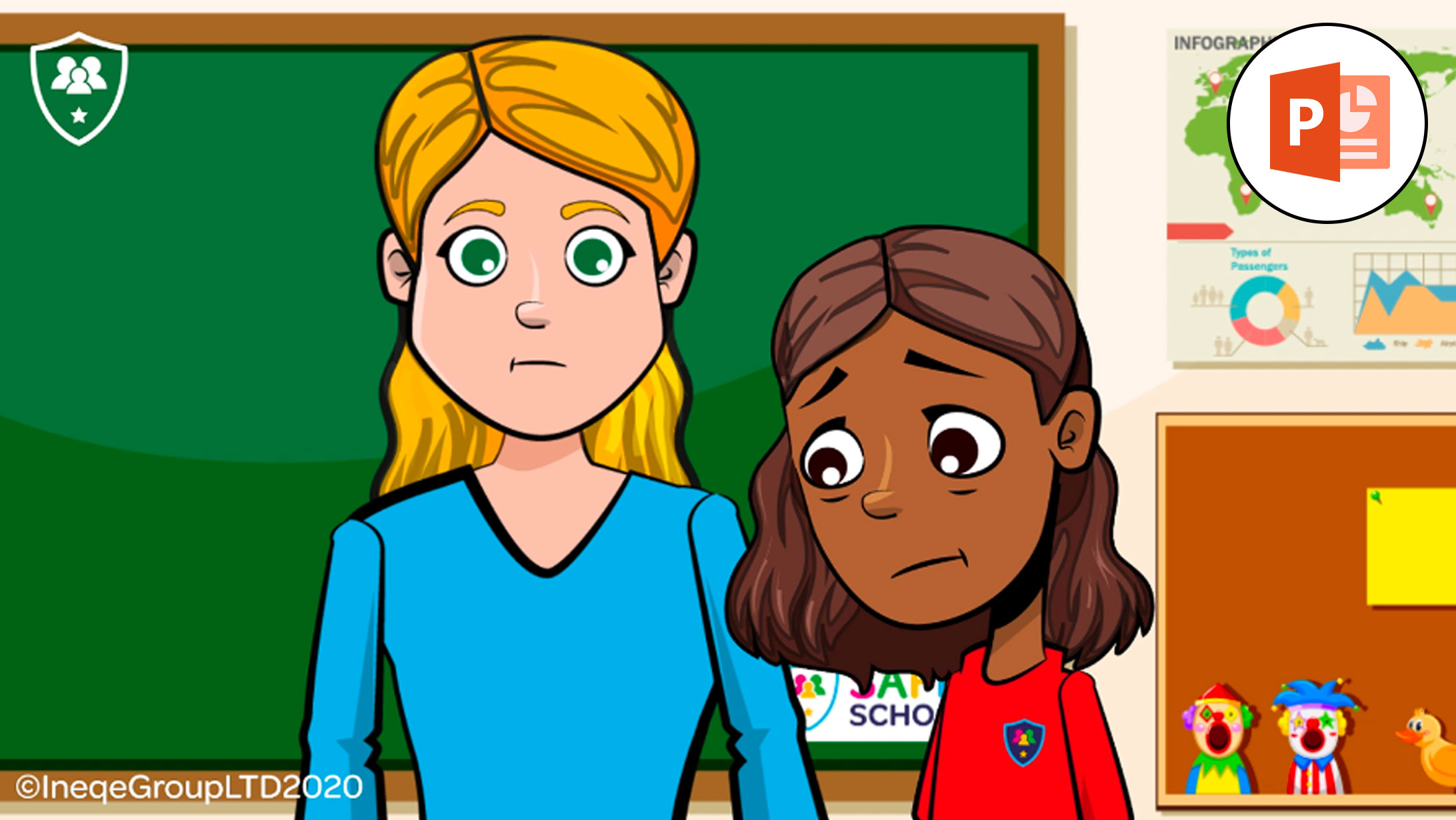
This discussion-based lesson allows children to reflect on how best to respond to bullying. The lesson contains 3 engaging and relevant animations which help to stimulate an important discussion around bullying.

Family Screen Time Pack
Ages: 5-11
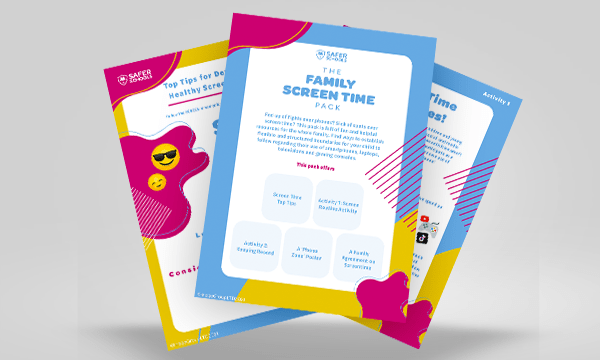
Want to avoid your child or young person spending too much time glued to their phone or xbox, and not out in the sun? Check out our our activities pack for some tips on how to promote healthy screen time habits!

Be a Cyber-hero
Ages: 7-11
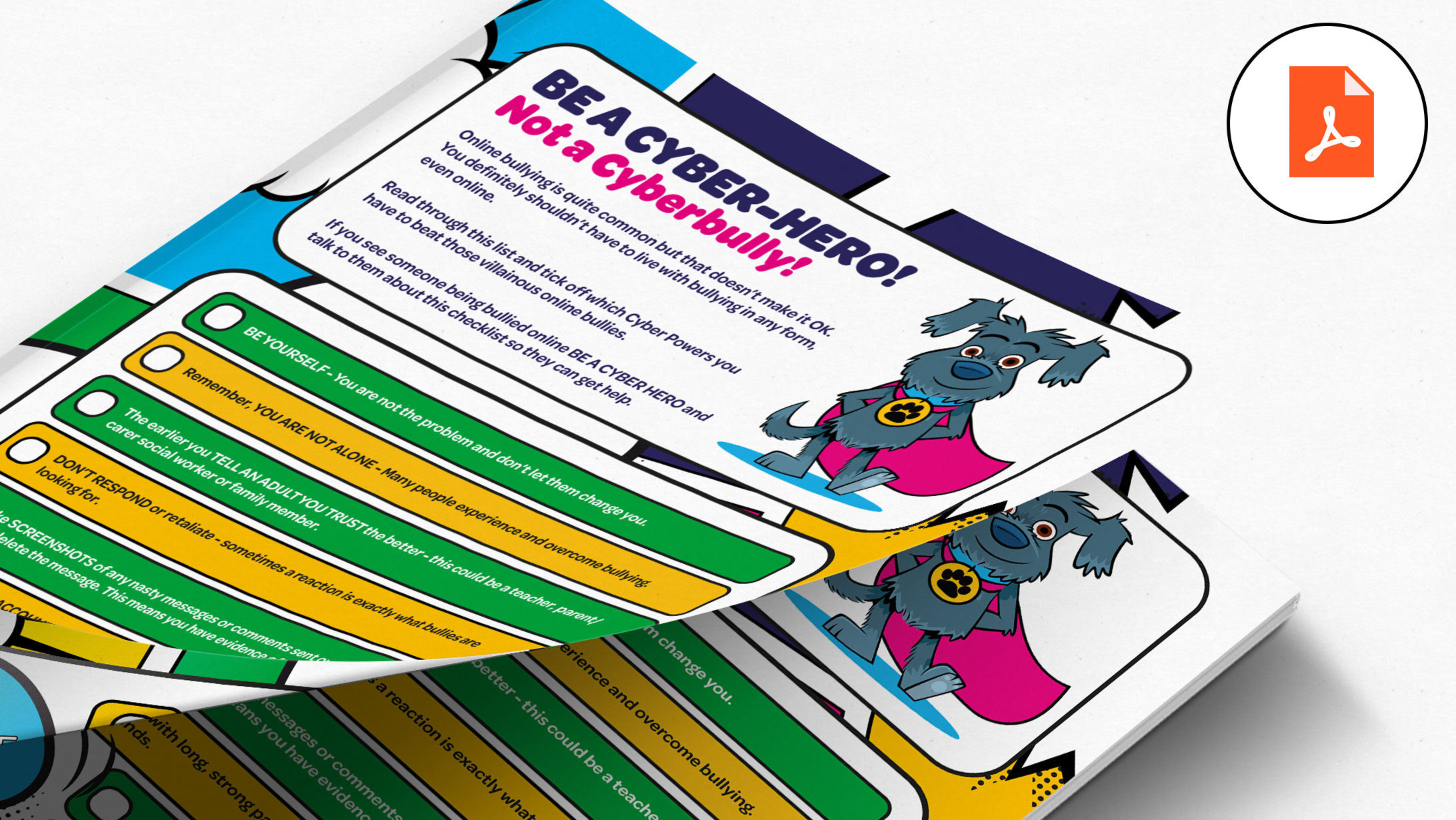
Help young people in your care become Cyberheroes against villainous online bullies.

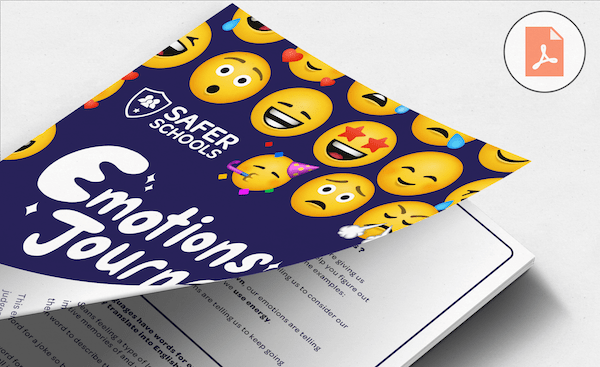
Emotions Journal
Ages: 7-11
This journal has been designed to build the emotional intelligence and resilience of young people, offering them the opportunity to reflect and process their emotions. Keeping emotions to ourselves can be harmful, and the Emotions Journal provides a healthy way to express these feelings.
Gratitude Journal
Ages: 7-11
We have made a Gratitude Journal for young people at home (and young people at heart) to write down the things we’re grateful for, helping us have a positive mindset everyday!

Password Creator Pack
Ages: 3+
Use this resource with the child in your care to teach them all about passwords. The fun colouring sheets and interactive game will provide you with the platform to talk about what passwords are, why they’re important and how we create one.

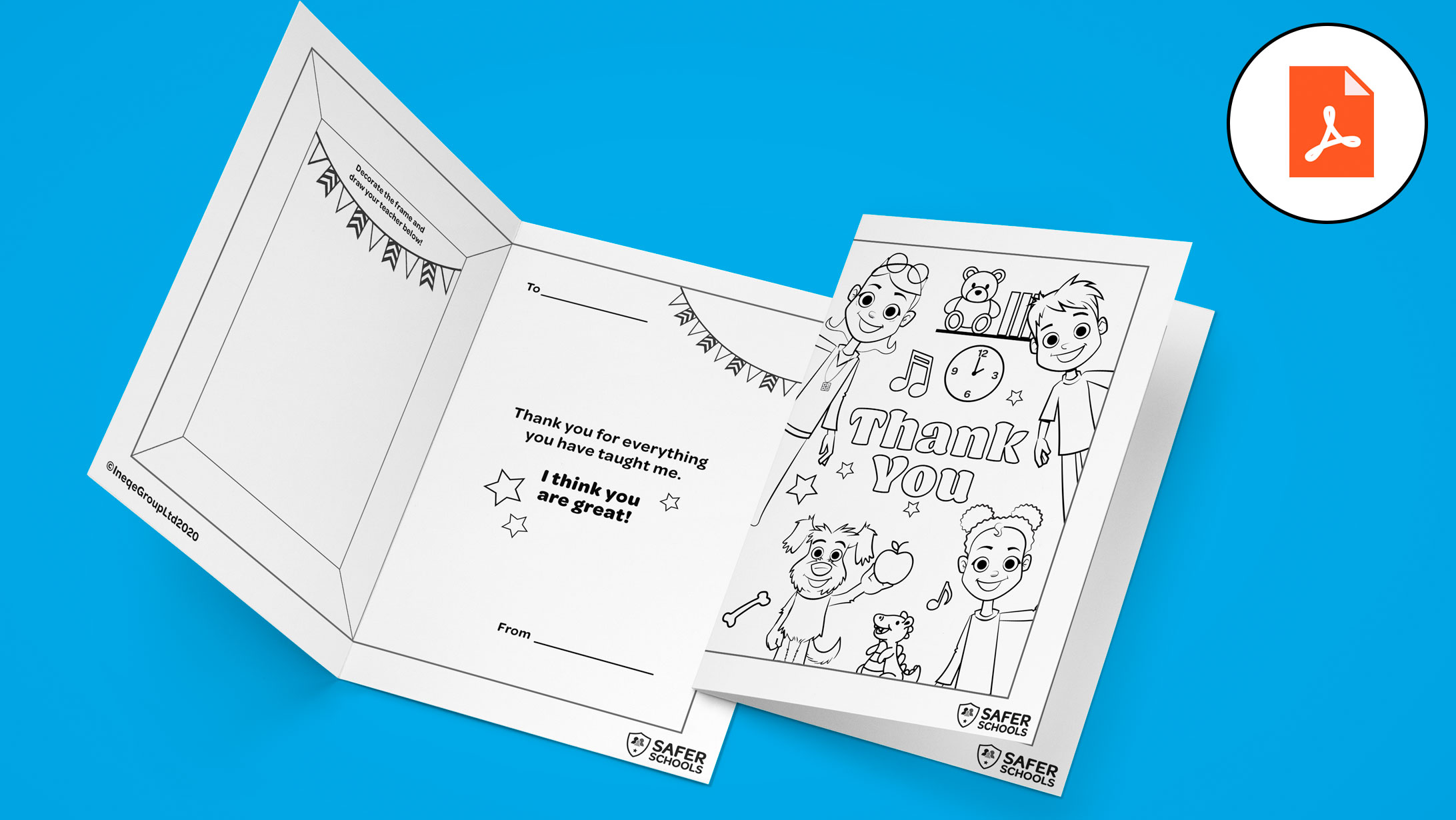
Thank a Teacher Card
Ages: 5-11
Download and print out this ‘Thank You’ card for the child in your care’s teacher. Children can colour in the card, draw a picture of their favourite teacher and write them a message of thanks.

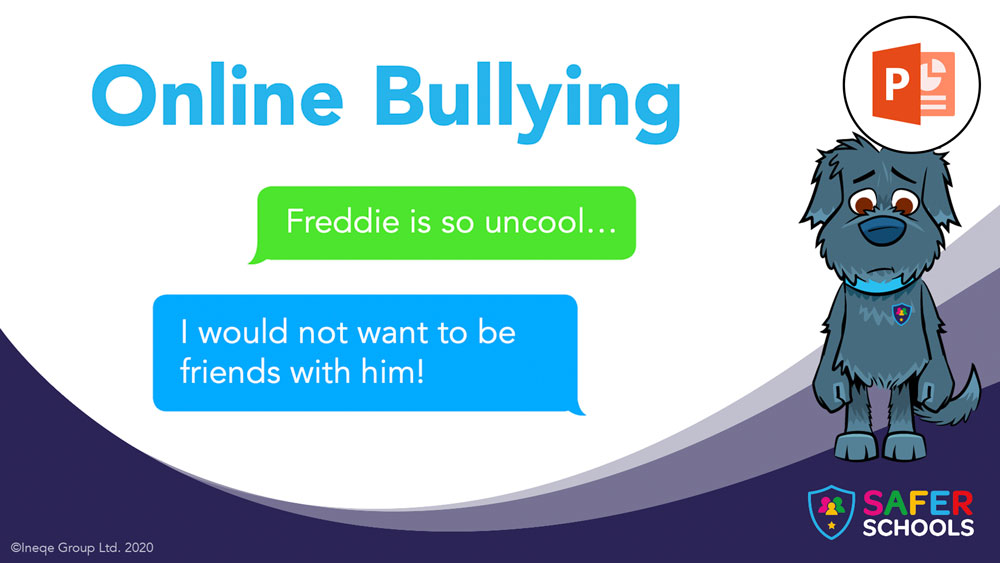
Online Bullying
Ages: 5-11
This lesson enables parents and carers to engage primary school-aged children in learning about online bullying, in an accessible way. Using videos and animations that create scenarios, children will reflect on and develop appropriate responses. Parents and carers are supported with key information including recent statistics to help facilitate the conversation.
Summer Screen Time Activities Pack
Want to avoid your child or young person spending too much time glued to their phone or xbox,
and not out in the sun? Check out our our activities pack for some tips on how to promote healthy screen time habits!
Featured Resources: Home Learning during Lockdown
Coronavirus: An explainer
Ages: 5-11
Use this video to teach the children in your care about the Coronavirus. It uses child friendly language and engaging animation to explain this tricky topic. The video explains what the virus is, how it can spread and what we can all do to make everyone safer.

Coronavirus: Story Book
Ages: 5-11
Read this storybook with your child to help them learn more about the Coronavirus. This engaging and colourful storybook will give them an understanding of what the virus is, how it can spread and what we can do to make everyone safer. Younger children may need an adult to read this to them.
Coronavirus: Activity
Ages: 5-11
These worksheets support the learning from the Coronavirus video and storybook. The first worksheet creates an opportunity for children to express their emotions around Coronavirus. The second worksheet contains a task which encourages them to tackle fake news and misinformation related to the Coronavirus.
Daily
Schedule
Ages: 5-7 and 7-11
Plan out your home learning and activities using this daily schedule.

Important Contacts
Ages: 7-18 (with an adult)
Encourage your child to help out your elderly relatives or neighbours by creating an easy-to-use contacts list for them while they self-isolate.

Helping in the Community
Ages: 7-18 (with an adult)
Make a positive difference in your community & offer support to vulnerable or isolated people.
Secondary Resources

Influencers
Ages: 11-15
This lesson looks at what an influencer is, what they do, how they make money and a couple of things for your young people to be wary of when watching & following their favourite gamers, creators and celebs.

Fake News
Ages: 11-15
This lesson aims to give young people the skills and knowledge to identify and challenge Fake News, whether they see it online, in the newspaper or on TV.

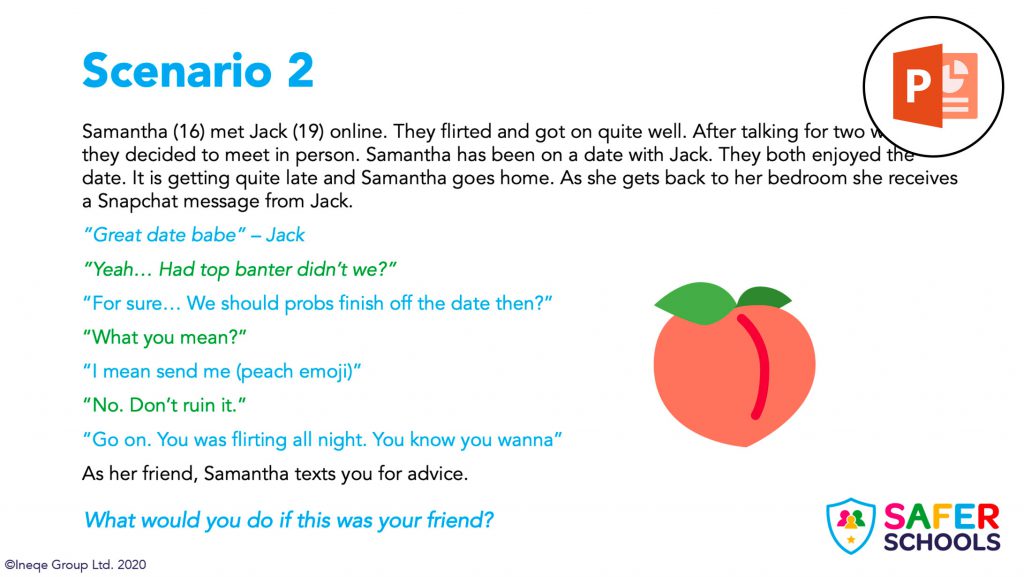
Image Sharing
Ages: 11-15 (Lower and Middle Secondary)
This lesson looks at sexting – what it is, what the law is and how we should respond to it. Young people are presented with scenarios which will allow for discussion around image sharing/sexting.

Image Sharing
Ages: 16-18 (Upper Secondary)
This lesson looks at sexting – what it is, what the law is and how we should respond to it. Young people are presented with scenarios which will allow for discussion around image sharing/sexting.

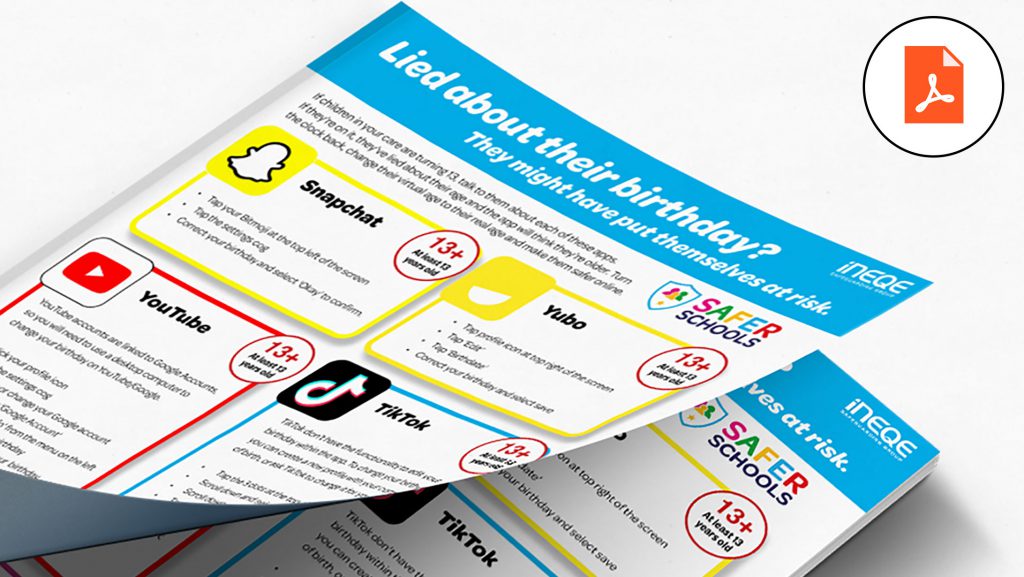
Lied about their birthday?
Ages: 13-15
Turn back the clock and change their virtual age to their real age to help make the children and young people in your care safer online.

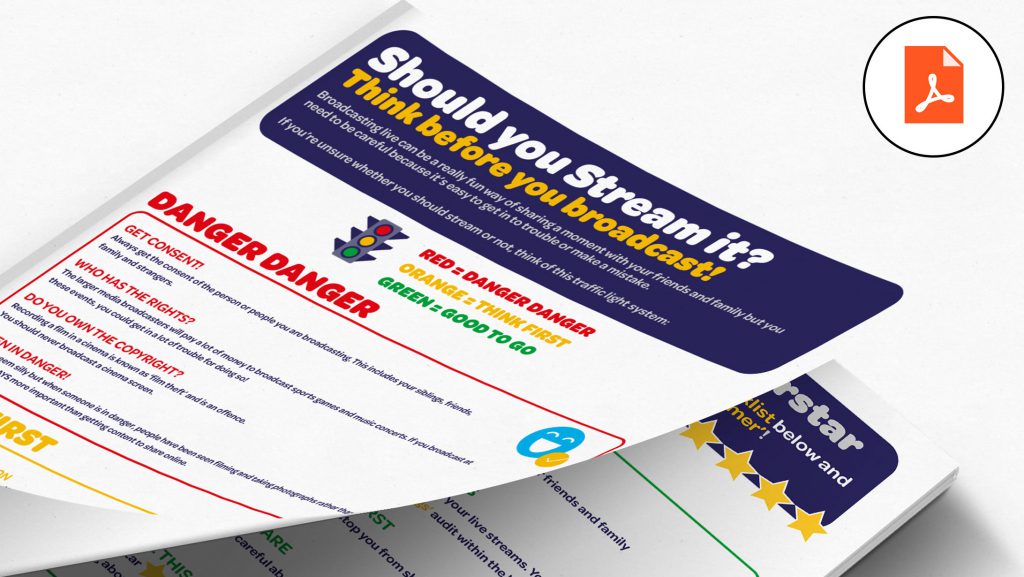
Should you stream it?
Ages: 13-18
Guide the young people in your care to become safer streamers with this traffic light system.

Age Verification
Ages: 12-14
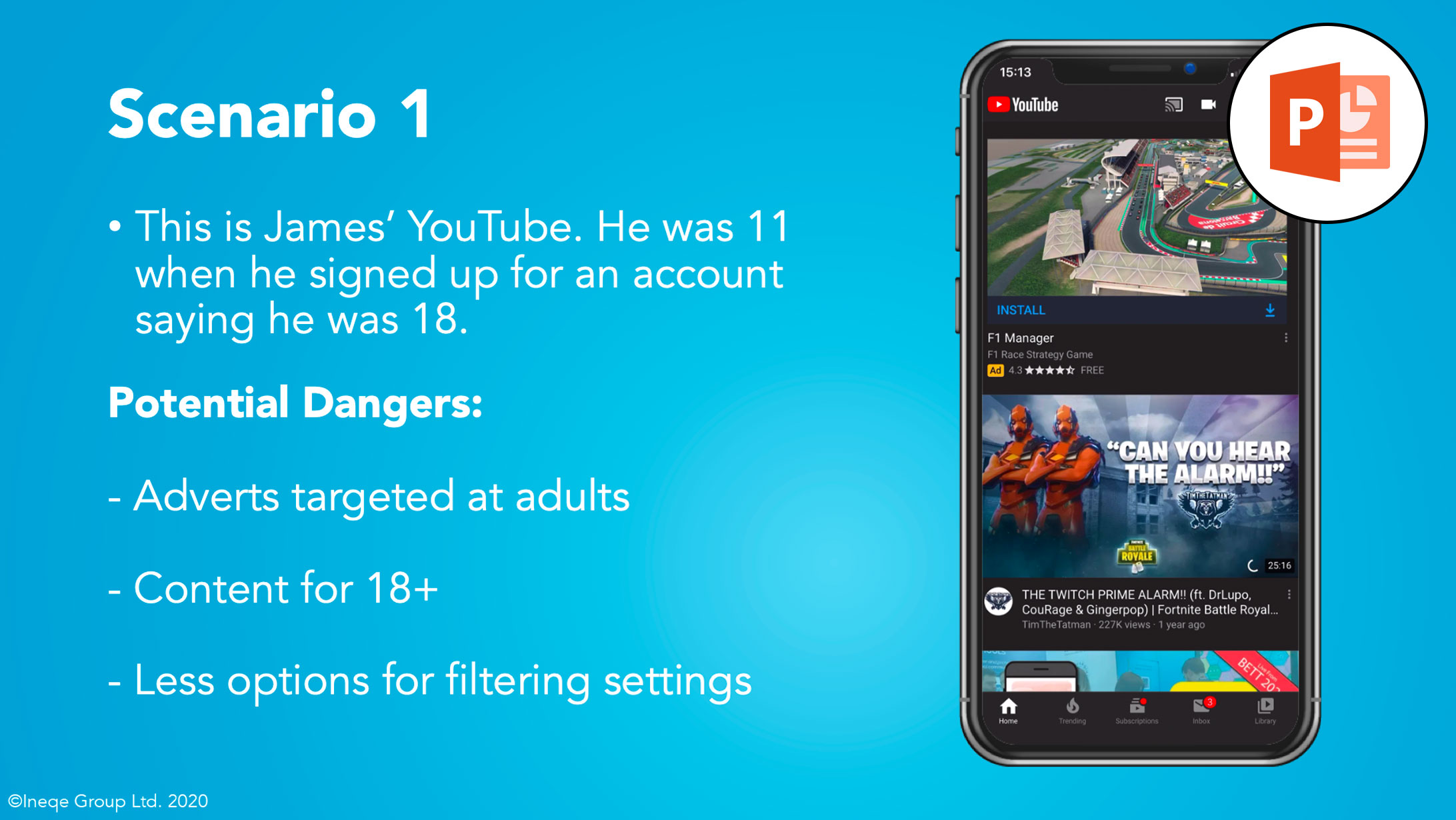
This lesson is aimed at Lower Secondary young people who have turned or who are about to turn 13 (the age you need to be to use most popular apps). It points out the dangers of using the incorrect age and the benefits of using their correct age. It also contains a homework to allow your pupils and their parents to check that they are using the correct age for the apps they use.
Online Bullying
Ages: 11-16
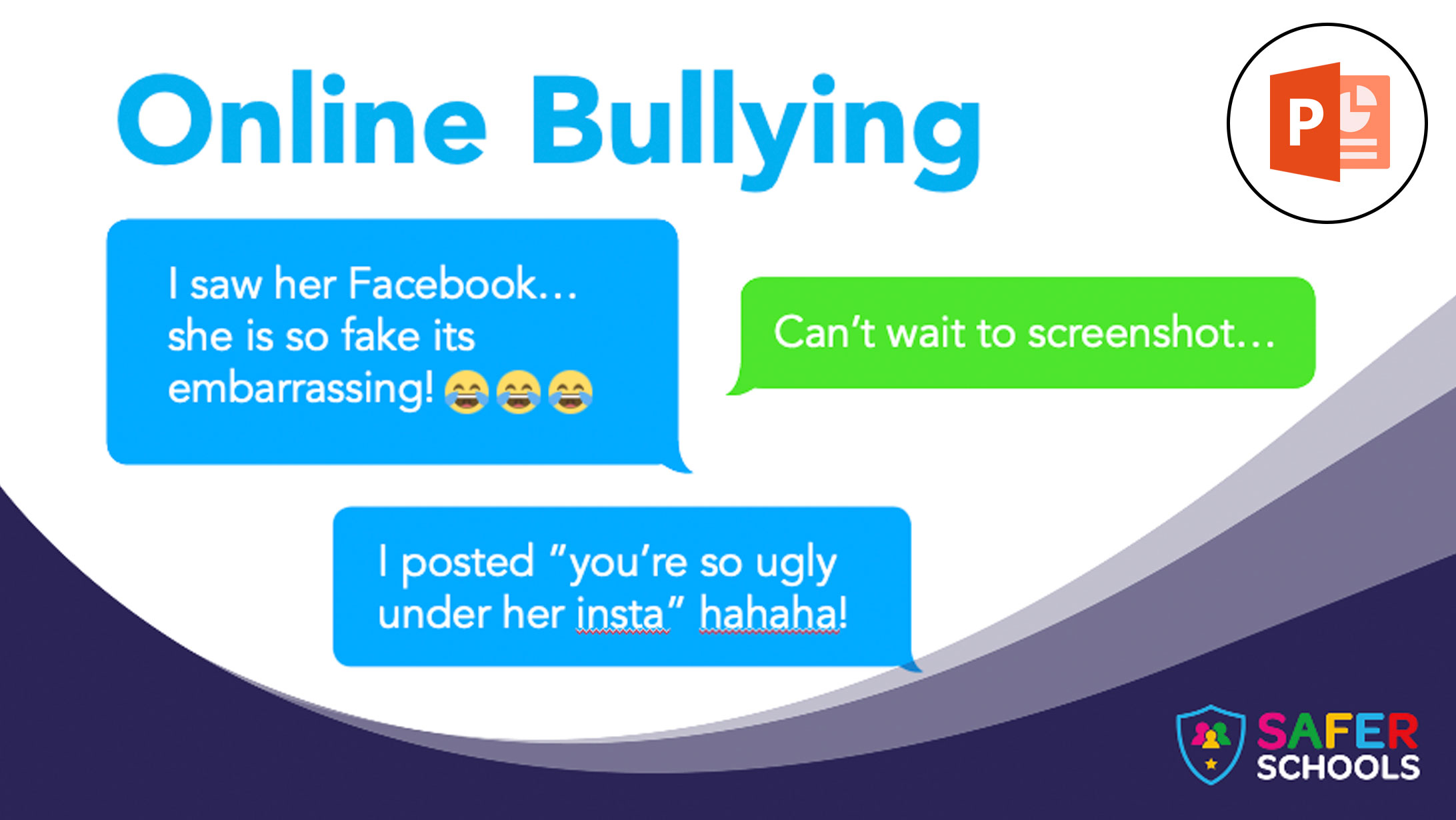
This resource includes several online bullying scenarios in which young people work through, to develop their understanding of online bullying and its impacts. Young people can test their knowledge with a quickfire quiz at the end. Parents and carers are supported with key information including recent statistics to help facilitate the conversation.

Online Bullying
Ages: 16-18
This lesson and resource will highlight the prevalence of online bullying and its impacts. Using videos and animations that create scenarios, young people will reflect on and develop appropriate responses. Parents and carers are supported with key information including recent statistics to help facilitate the conversation.
Videos
Use technology to learn a language
Ages: 11-18 (and Adults)
Share this video with the young people in your care to show them how they can use technology to learn a language. Whether its an app, subtitles on TV shows or watching the news, we provide you with some fun and engaging ways to learn a language.
Pause, think
& plan
Ages: Adults
Guidance on talking to children about online risks such as harmful and inappropriate content.
New Guidelines on
Loot Boxes
Ages: Adults
Information on the new guidance on Loot Boxes to help keep the gamers in your care safer.
Passwords
Ages: 5-11
This amazing animation will help you teach the children in your care about passwords. Join Jack, Maddie and Freddie as they teach you more about what passwords are, why they are important and how to create one.
5 YouTube Channels for
Home Study
Ages: Adults
Keep the children in your care entertained and engaged with our recommended Youtube channels
Social Distancing: An explainer
Ages: 5-11
Use this video to teach the children in your care about the the difference Social Distancing, also referred to as Physical Distancing.
Coronavirus: An explainer
Ages: 5-11
Use this video to teach the children in your care about the Coronavirus. It uses child friendly language and engaging animation to explain this tricky topic. The video explains what the virus is, how it can spread and what we can all do to make everyone safer.
Coronavirus Explained Using Makaton
Ages: 5 – 18
We’ve adapted our original Coronavirus explainer video so that you can use it for children with special educational needs through Makaton and images. The video explains what the virus is, how it can spread and what we can all do to make everyone safer.
Summer Screen Time Activities Pack
Ages: 5 – 11
Want to avoid your child or young person spending too much time glued to their phone or xbox, and not out in the sun? Check out our our activities pack for some tips on how to promote healthy screen time habits!
Recent Articles
Recommended Resources
Childnet – Parents and Carers Toolkit
Ages: 6-18
This toolkit created by the UK Safer Internet Centre and Childnet provides three resources that offer practical tips and advice on different aspects of keeping your child safe online. They can help support parents and carers of any age child to start discussions about their online life, to set boundaries around online behaviour and technology use, and to find out where to get more help and support.
NSPCC: Pants Lesson
Ages: 4-8
The NSPCC have put together a lesson which allows you to have a conversation with children about staying safe from sexual abuse. It uses child-friendly language to structure a conversation around this issue.

Internet Matters – Cyberbullying
Ages: 6-18
Internet Matters provide you with a conversation guide for talking to your child about Cyber Bullying.